
Cloud Computing for Beginners: What It Is and How It Works
You have probably heard someone say, “Don’t worry, it’s saved in the cloud,” without being quite sure what the cloud actually is. You are not alone. The good news is that cloud computing is much simpler than it sounds, and you almost certainly use it every day.
In this guide, we explain what the cloud is, how it works, the types of cloud services, and the benefits and cautions — in plain words.
What Is “the Cloud”, in Plain Words?
The cloud is simply other people’s computers — powerful ones, kept in huge secure buildings called data centres — that you use over the internet.
When you save a photo “to the cloud”, you are not storing it in the sky. You are storing it on a computer owned by a company like Google, Apple or Microsoft, in one of their data centres. Because the file lives there instead of only on your phone, you can open it from your laptop, tablet or a brand-new phone, as long as you sign in.
Think of it like electricity: you plug into the grid instead of generating your own power. The cloud is the same — you use someone else’s equipment, on demand, through the internet.
Cloud Services You Already Use Every Day
Cloud computing is already woven into normal life:
- Email. Gmail, Outlook and Yahoo Mail store messages online — that is why your inbox looks the same on every device.
- File storage. Google Drive, iCloud, Dropbox and OneDrive keep documents and photos safe online, so a lost phone does not mean lost memories.
- Streaming. Films on streaming services play from cloud servers — which is why you can start on your TV and finish on your phone.
- Photo backup. Your phone can automatically upload pictures to iCloud or Google Photos, freeing up space.
- Social media and online documents. Apps like WhatsApp store messages in the cloud, and Google Docs lets several people type in the same document at once — possible only because it lives there.
If you have used any of these, congratulations: you are already a cloud user.
How Does Cloud Computing Actually Work?
Here is the basic journey:
- You do something. You take a photo, save a document, or press play on a film.
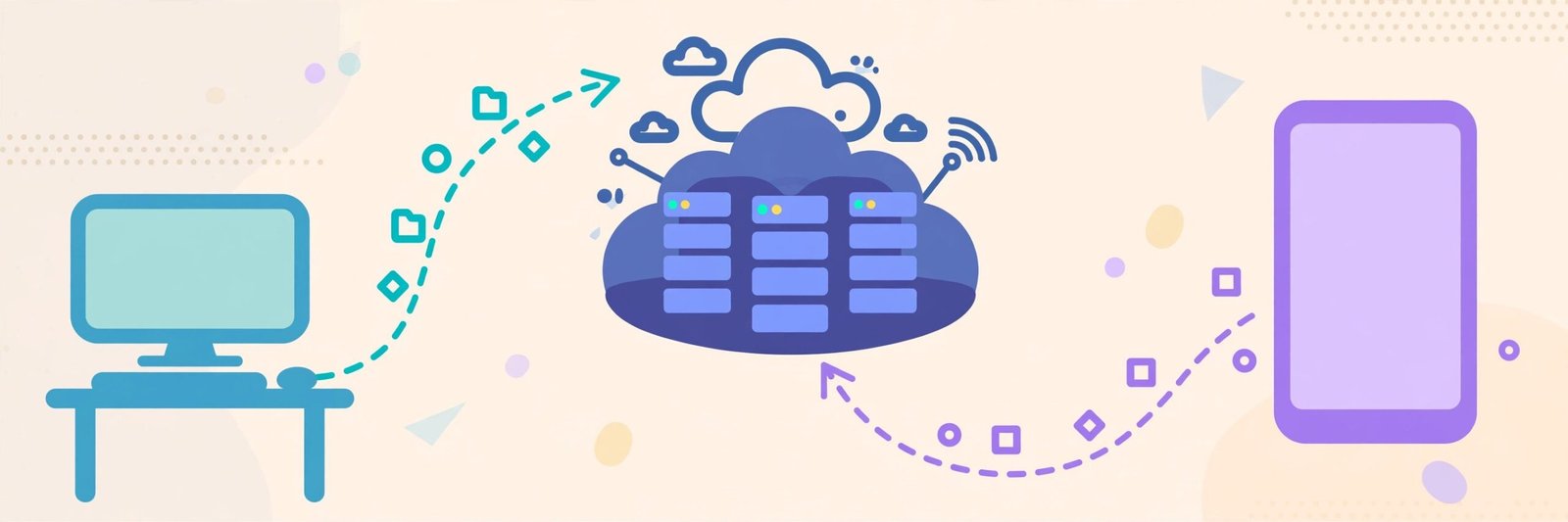
- Your device sends it over the internet to a data centre.
- Servers store or process it. Rows of powerful computers (called servers) save your file, or do the heavy work, like converting a video to the right size for your screen.
- You get it back whenever you ask. Open the app on any device, sign in, and the same file arrives in seconds.
Companies keep copies of your data in more than one location, so if one server fails, another takes over.
The Three Types of Cloud Services, Explained Simply
Three terms you may see, in plain words:
1. Software as a Service (SaaS) — “Just use the app”
You use finished software through your browser or an app, and someone else handles everything else. Gmail, Google Docs, Zoom and Netflix are examples. This is the type almost all beginners meet first.
2. Platform as a Service (PaaS) — “A workbench for building apps”
A ready-made platform for developers to build apps without setting up the machinery. Everyday users rarely touch it directly.
3. Infrastructure as a Service (IaaS) — “Rent the raw machinery”
Businesses rent basic computing power — servers, storage and networking — and build everything else themselves: more control, but more work.
For most readers, SaaS is the cloud that matters day to day.
Benefits of Cloud Computing
- Access from anywhere. Your files follow you to any connected device.
- Safety from device loss. A stolen laptop is painful, but backed-up photos and documents survive.
- No maintenance. Updates and repairs are the provider’s problem, not yours.
- Easy sharing and teamwork. Send a link instead of a huge attachment.
- Room to grow. Free starter storage; pay for more only when needed, instead of buying expensive hardware.
Cautions and Downsides to Know
The cloud is helpful, but not perfect:
- You need the internet. No connection usually means no access, though many apps allow some offline files.
- You trust another company. Your data sits on someone else’s computers, so choose well-known providers and check their privacy settings.
- Your account is the key. If someone gets in, they reach everything. Use a strong, unique password and two-step verification.
Practical First Steps to Start Using the Cloud
Start with a service you already have — Gmail users have Google Drive; iPhone owners have iCloud. Turn on photo backup over Wi-Fi, save one important folder of documents online, secure the account with a strong password and two-step verification, then sign in on a second device to confirm your files are there. That is it — you are using the cloud properly.

Frequently Asked Questions
Is the cloud safe for personal photos and documents?
With a reputable provider, a strong unique password and two-step verification, it is generally safer than keeping the only copy on one phone that can be lost or break. Nothing online is risk-free, so keep extra copies of irreplaceable files.
Do I have to pay for cloud storage?
Most major services include free starter storage. Heavy users may eventually want a paid plan, but not on day one.
What happens to my files if a cloud company shuts down?
Large providers announce closures well in advance and give you time to download your data. Still, keep a second copy of important files on an external drive at home.
What is the difference between the cloud and my computer’s hard drive?
Your hard drive stores files inside your own device — under your control, but gone if the device is lost. The cloud stores files on a provider’s servers, reachable from anywhere, in exchange for trusting that provider.
Conclusion
Cloud computing simply means using storage and software over the internet instead of only on your own device. You already use it for email, photos, messages and streaming. Start small: turn on photo backup, save one important folder online, and secure your account. Soon the cloud stops being a mystery and becomes a helpful everyday tool. For more plain-English tech guides, keep exploring YumPlatter.