Best Laptops for Students in 2026: Top Picks for Every Budget
A student laptop has a hard life: carried to lectures, opened on buses, used for essays at midnight, video calls and research — without costing a fortune. In 2026 you do not need to spend a lot to get one that does all of this well.
Below are the most trusted student laptop ranges, in plain language: what each is good at and who it suits. Prices change constantly and differ by country, so we describe general price bands — always check current prices and student discounts before buying.
What Actually Matters in a Student Laptop
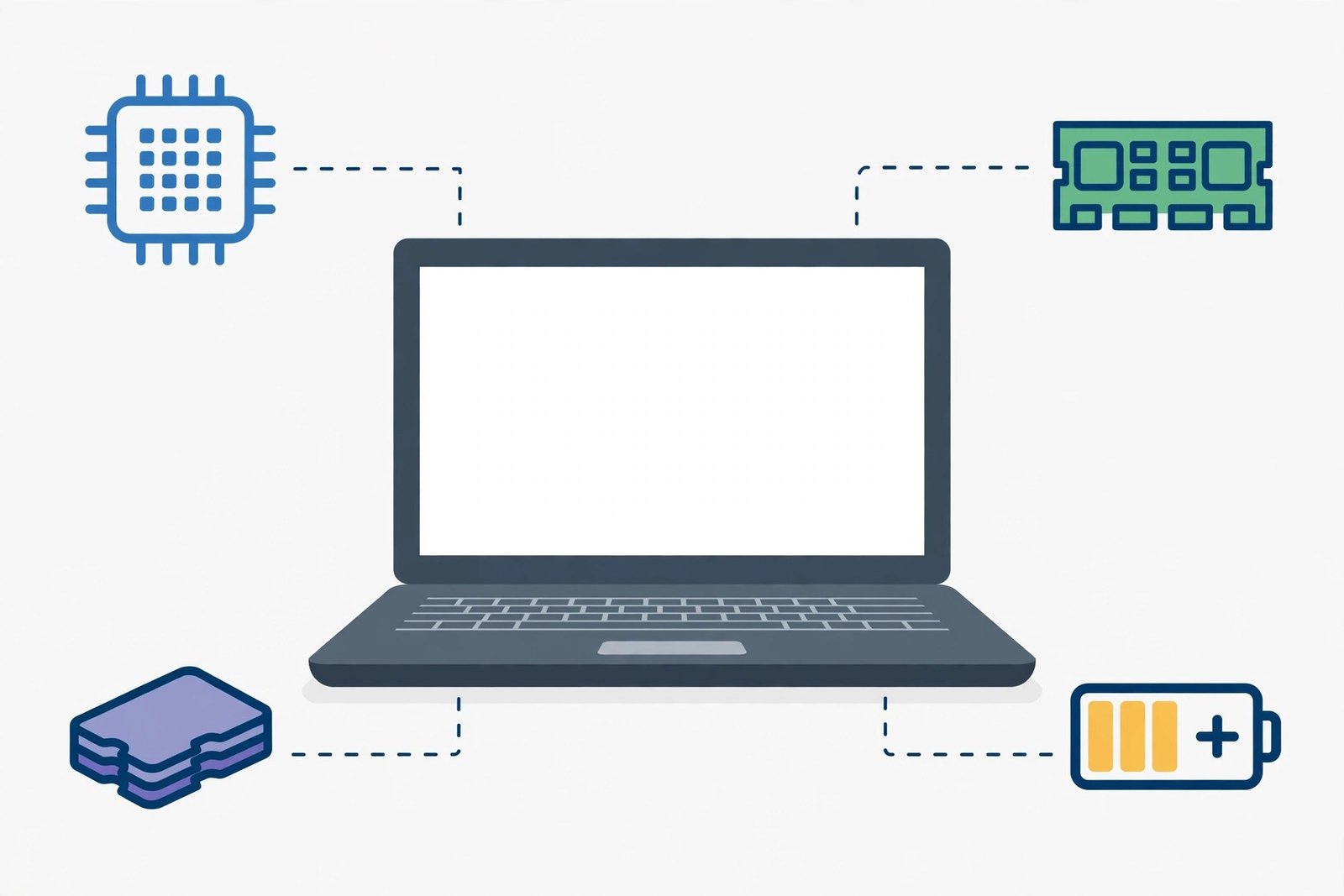
Processor (the brain). Modern processors from Intel, AMD and Apple are all fast enough for notes, browsing, documents and video calls. You only need a higher-end chip for video editing, 3D design or engineering software.
RAM (short-term memory). More RAM means many tabs, documents and apps can stay open without slowdowns — for most students, it matters more than a slightly faster processor.
Storage (the filing cabinet). Choose SSD storage: it makes any laptop start and load files far faster than an old hard drive. Many slim laptops cannot be upgraded later, so choose enough at purchase.
Screen, battery and weight. You will stare at the screen for hours, so pick a clear, bright 13–15 inch display. A battery that lasts a full study day is essential, because library sockets disappear fast — and a lighter machine with a comfortable keyboard beats a heavy, slightly more powerful one you dread carrying.
The Best Laptop Ranges for Students
MacBook Air (M-series) — best all-rounder, if budget allows
Apple’s MacBook Air models with M-series chips are loved by students: light, silent (no fan), and with battery that easily lasts a long study day. They sit in the higher price band, but tend to last many years. Best for students who want one laptop for a whole degree. They run macOS, so check course software works on a Mac first.
Lenovo IdeaPad — best value Windows range
The IdeaPad range is a student favourite because it usually sits among the cheapest Windows options while still handling everyday work well. Best for Windows users on a tight budget who mainly write, browse, stream and join online classes. If you can, pay the small extra for more RAM and an SSD — it matters more than the badge on the lid.
HP Pavilion — a safe, balanced middle option
Pavilion laptops sit in the middle: priced above the very cheapest machines but below premium models, with a good balance of screen, performance and design. Best for students who want a dependable all-purpose Windows laptop — essays one hour, spreadsheets and light creative work the next — without flagship prices.
Acer Swift — light and travel-friendly
The Swift line focuses on slim, light designs that are easy to carry between classes, usually at competitive prices. Best for students with long commutes who feel every extra gram in their backpack. As with any slim laptop, check it has the ports you need.
ASUS Vivobook — attractive screens, friendly prices
Vivobooks are known for appealing screens — some models have especially vivid displays — at prices usually kind to student budgets. Best for students who watch lots of video or do design and photo work as a hobby. The range is wide, so compare each model’s RAM and storage, not just its looks.
Chromebooks — cheapest and simplest, if your course allows
Chromebooks from Acer, Lenovo, HP and others run ChromeOS instead of Windows or macOS. They are usually among the cheapest laptops available, start in seconds, and are excellent for Google Docs, browsing, email and streaming. Best for students whose work lives entirely in a web browser. They cannot install most traditional software, so check your course requirements first.
How to Choose in Two Minutes
- Smallest budget, mainly writing and classes online: a Chromebook or Lenovo IdeaPad.
- A bit of everything, mid-range budget: HP Pavilion or ASUS Vivobook.
- Carried all day: Acer Swift or MacBook Air.
- Creative subjects: prioritise screen quality and storage, whichever brand you choose.
At YumPlatter, our advice is simple: the best laptop fits your course, your bag and your budget — and keeps working until graduation.
Money-Saving Tips
- Claim the student discount. Apple, Lenovo, HP and many stores offer education pricing — ask, with proof of enrolment.
- Buy last year’s model. When a new version launches, the previous one often drops in price while being nearly as good.
- Spend on RAM and SSD, not extras. Skip cosmetic upgrades; memory and storage are what you feel every day.
- Consider manufacturer-refurbished. Official refurbished stores usually include a warranty and cost less than new.
- Protect the basics. A simple padded sleeve and regular file backups protect your work better than expensive accessories.

Frequently Asked Questions
How much should a student spend on a laptop?
There is no single right amount. A basic Chromebook or entry Windows laptop covers writing and browsing; mid-range models cost more but usually last longer. Set your maximum budget first, then buy the best RAM, storage and battery inside it.
Is a MacBook or a Windows laptop better for students?
Both are excellent. Choose by your course software and what you already use: pick Windows if your subjects need specific Windows programs; pick the MacBook Air if your work is web-based and you value battery life and lightness.
Can a Chromebook handle a full degree?
Only if everything you need runs in a browser, like Google Docs and Microsoft 365 online. If your course requires installed software — engineering or some design tools, for example — choose Windows or macOS.
How long should a student laptop last?
A well-chosen laptop should last three to five years. Installing updates, not letting storage fill completely, and looking after the battery all help.
Conclusion
The best student laptops in 2026 are not the most expensive ones — they are balanced for real student life: light to carry, fast for everyday work, and with battery that survives the library. Start with a Chromebook or IdeaPad if money is tight, look at Pavilion, Vivobook and Swift in the middle, and consider the MacBook Air if you can stretch to one machine for your whole degree.