AI Image Generator: How It Works and the Best Free Tools to Try
A few years ago, creating a custom image meant hiring a designer or learning complicated software. Today you can type “a small robot drinking coffee in a sunny garden, cartoon style” and watch a brand-new picture appear in seconds. That is the magic of an AI image generator. In this guide you will learn how it works, which free tools are worth trying, and how to write prompts that give you the picture you imagined.
What Is an AI Image Generator?
It is a tool that creates pictures from written descriptions called prompts. You describe the subject, setting, colours and style, and the AI builds an original image matching your words. People use these tools for blog graphics, social posts, school projects, illustrations and product ideas.
How Does an AI Image Generator Work?
These tools are trained on huge collections of images paired with descriptions. During training, the system learns how words connect to visual patterns — what a “sunset” looks like, how “watercolour” differs from “photograph,” and how objects relate to each other.
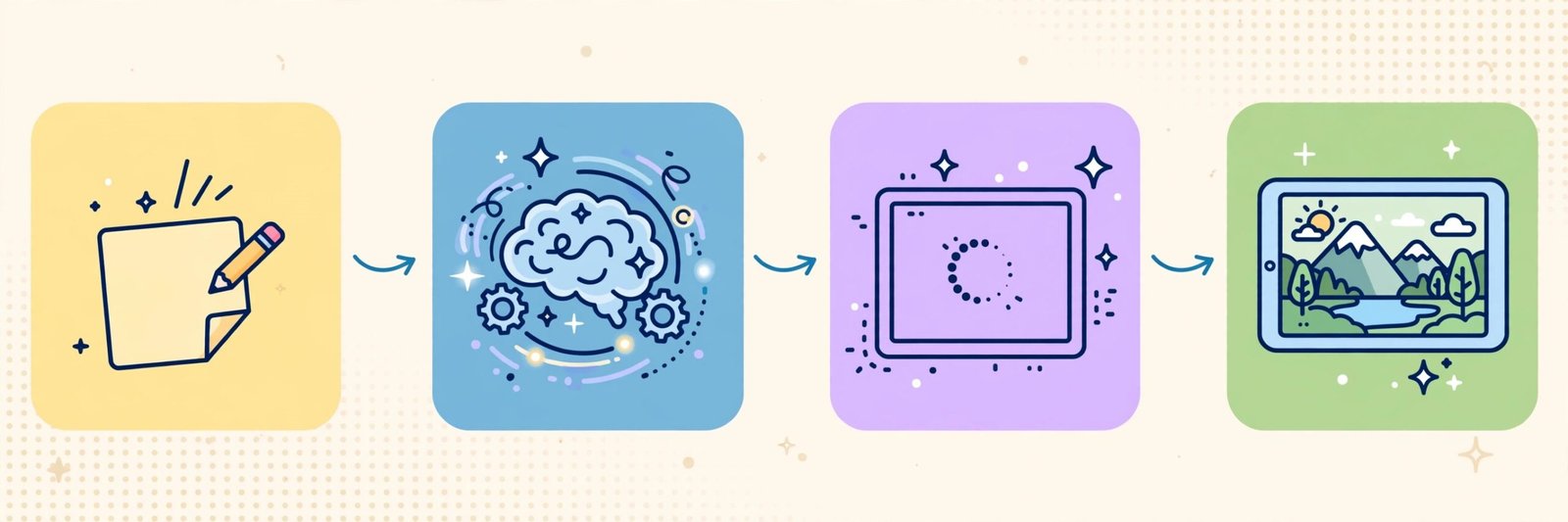
Most popular tools use a process called diffusion, which works in simple steps:
- The tool starts with random visual noise, like TV static.
- It reads your prompt and removes the noise in small steps.
- At each step it keeps whatever looks more like your description and discards the rest.
- Slowly, a clear image emerges, shaped entirely by your words.
Because the starting noise is random, the same prompt can produce a different picture each run — so generating a few variations and choosing the best is a normal part of the process.
The Best Free AI Image Generators to Try
Most well-known tools offer a free plan or free credits, though limits and rules change over time. Check a tool’s current terms before using an image commercially.
1. DALL·E via ChatGPT
DALL·E is OpenAI’s image model, and the easiest way to use it is inside ChatGPT. Describe the image in normal conversation, then request changes in plain words — “make it night-time” or “add a cat.”
Best for: beginners who want easy, natural editing through chat.
2. Microsoft Designer and Image Creator
Microsoft offers image generation through Designer and Image Creator, powered by DALL·E technology. It is one of the simplest free starting points, especially if you already have a Microsoft account, and works well for posters and simple illustrations.
Best for: quick, free images without installing anything.
3. Leonardo AI
Leonardo is popular with creators who want more control, offering style presets and tools aimed at game art, characters and detailed illustrations. Its free tier gives newcomers plenty to experiment with.
Best for: illustrators, gamers and creators who want detailed, stylised art.
4. Ideogram
Ideogram became well known for something many generators struggle with: readable text inside images. For posters, thumbnails or graphics containing a name or short phrase, it is one of the strongest choices to try.
Best for: posters, thumbnails and images that include words.
5. Canva’s AI Image Generator
Canva includes AI image generation inside its design editor, so you can generate a picture and immediately drop it into a presentation, social post or invitation using ready-made templates.
Best for: social media posts, school projects and quick designs by non-designers.
6. Adobe Firefly
Firefly is Adobe’s family of generative AI tools, available on the web and inside Adobe apps. It is designed with commercial use in mind and suits people who already use Adobe software or want a professional workflow.
Best for: designers and creators who want a polished, professional toolset.
On YumPlatter, our advice is simple: pick one free tool, generate twenty fun images, and you will learn prompting faster than by reading ten tutorials.
How to Write Prompts That Give Better Images
A good prompt has four ingredients: subject, setting, style and detail. Use this formula:
[Subject] + [what it is doing] + [setting] + [style] + [lighting or colours]
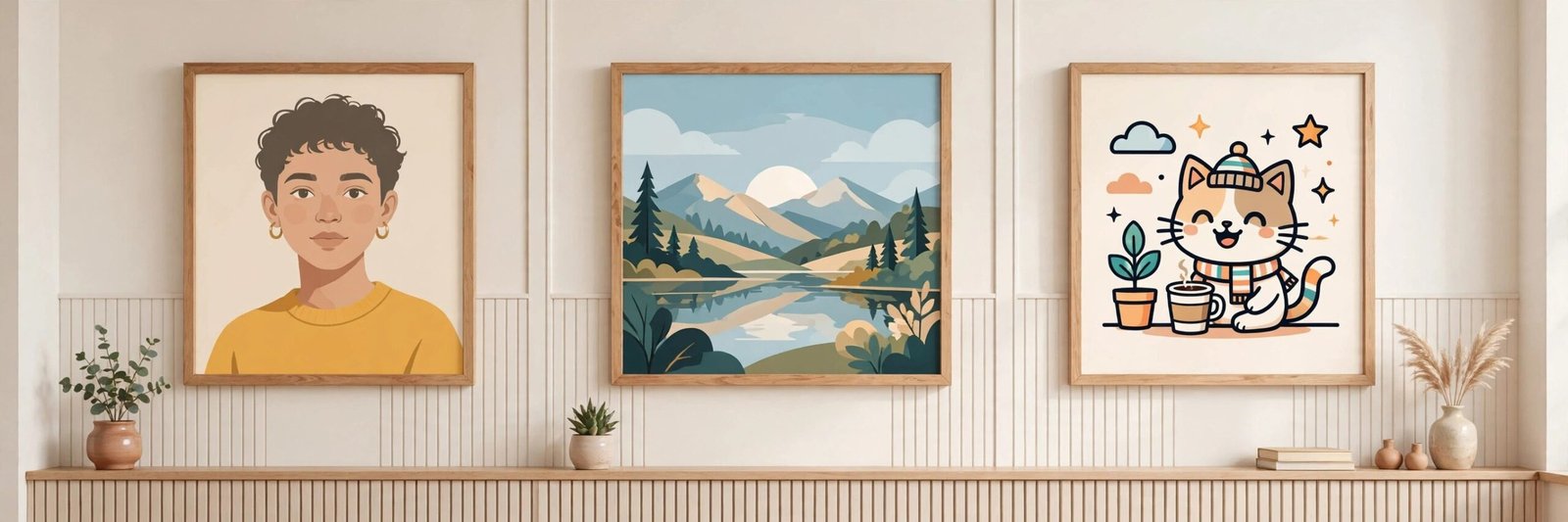
Example: “A young student studying at a wooden desk, books and a laptop around her, cosy bedroom at night, warm lamp light, flat illustration style.”
More tips:
- Be specific. “A dog” gives a random dog; “a golden retriever puppy sitting in autumn leaves” gives a scene.
- Name the style. Try photograph, oil painting, cartoon, 3D render, pixel art or watercolour.
- Describe mood and light. “Golden hour” or “soft light” changes everything.
- Say what you don’t want. Some tools accept negative prompts such as “no text, no blur.”
- Iterate. Change one thing at a time so you learn what each word does.
Limitations You Should Know
AI images are impressive but imperfect. Hands and fingers can look wrong, text is often misspelled (except in tools built for it), and faces can appear slightly unnatural. Generators can also reflect biases from their training data. Finally, copyright and commercial-use rules differ by tool and country, so read the terms — and never generate deceptive images of real people.
Frequently Asked Questions
Are AI image generators really free?
Many offer a free plan or starter credits with daily or monthly limits. Higher resolution, heavy use and commercial features usually need a paid plan. The tools above are good free starting points.
Can I use AI-generated images on my blog or YouTube channel?
Often yes, but it depends on the tool’s terms and your plan. Check the licence, and avoid imitating a living artist’s style for commercial work.
Why do hands look strange in AI images?
Hands are complex, with many possible positions, and are often partly hidden in training photos. Models keep improving, but hands and fine details can still distort.
Do I need a powerful computer?
No. These tools run in your browser while the heavy processing happens on the company’s servers. A normal laptop or even a phone is enough.
How can I make AI images look less generic?
Add unusual details: a specific place, a time of day, an emotion, a camera angle or an unexpected colour combination. Personal details produce memorable pictures.
Conclusion
An AI image generator turns words into pictures using diffusion models trained on millions of image-and-text pairs. Start free with DALL·E in ChatGPT, Microsoft’s image tools, Leonardo, Ideogram, Canva or Firefly, then practise the formula — subject, action, setting, style and light. Within an afternoon you will be creating original images for blogs, projects and pure imagination, no design degree required.