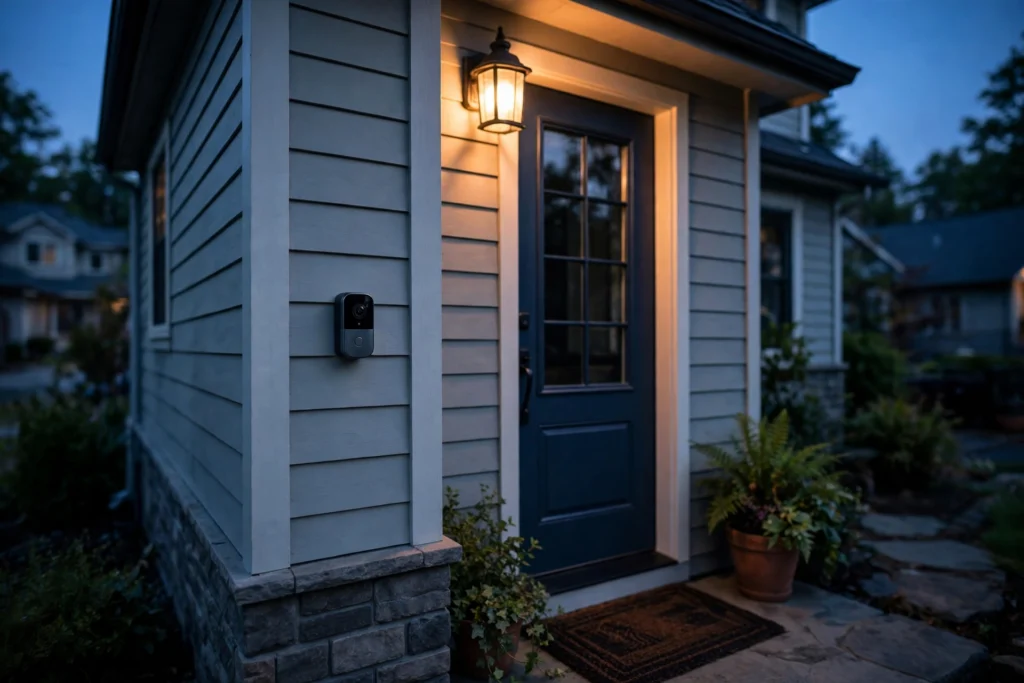

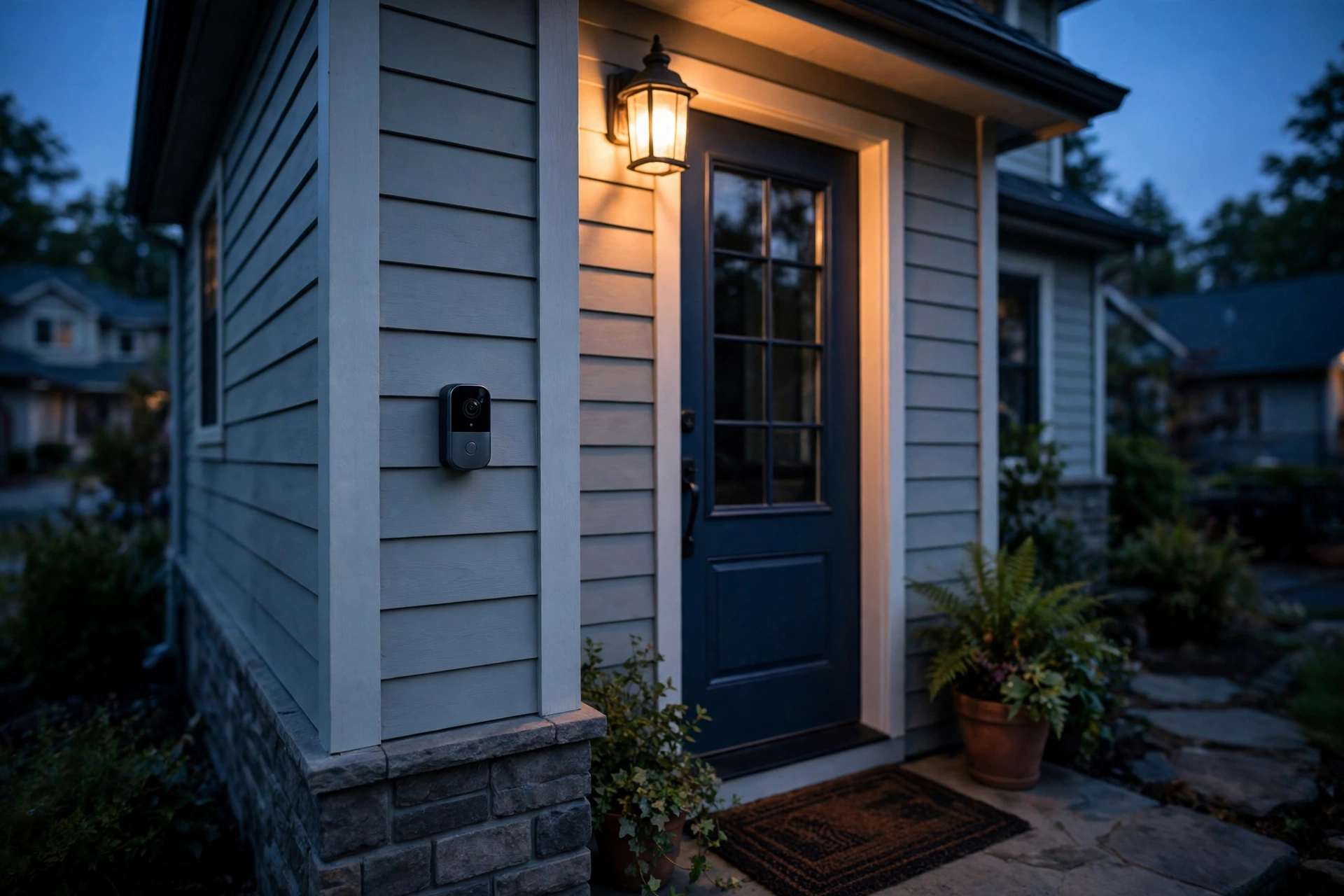
Your front door is the one place where a little technology pays for itself fast. A smart doorbell camera tells you who is there before you open the door, records the parcel that arrived while you were out, and lets you answer a visitor from the office, the car or the other side of the world. In 2026 the cameras are sharper, the alerts are smarter, and — finally — a few good options work without a monthly subscription.
But not every doorbell suits every home. Some need existing doorbell wiring, some run on batteries you must recharge, and some lock person detection and video history behind a paywall that doubles the real cost over two years. Video quality, field of view, night vision and how fast the app answers a ring all matter more than the spec sheet suggests.
We compared six of the best smart doorbell cameras you can buy in 2026, covering wired and battery models, subscription-free options and the big ecosystems. Each one is judged on video quality, detection smarts, storage options, ease of install and the true long-term cost.
1. Ring Video Doorbell Pro 2
Ring’s Pro 2 remains the most popular wired doorbell for a reason. It records in 1536p HD with a tall, head-to-toe field of view, so you can see a parcel on the ground as well as the face at the door. Motion detection is fast, the app is polished, and the two-way talk is clear enough for a real conversation. It works with Alexa, so an Echo Show can pop up the camera feed the moment someone rings.
The catch is the subscription. Without Ring Protect, you get live view and notifications but no video history — a thief’s face is gone unless you were watching live. The wired install also needs an existing doorbell transformer, typically 16–24 VAC, and setup means turning off power at the breaker. If you are already in the Ring or Alexa world, though, this is the smoothest doorbell experience you can buy.
2. Google Nest Doorbell (Battery)
Google’s battery doorbell is the easiest of the big names to install: charge it, screw on the mount, and you are done in about fifteen minutes. Video is sharp 960p HDR, and the standout feature is free intelligent alerts — person, package, animal and vehicle detection with no subscription required. It also tells familiar faces apart, which is handy if you want a different alert for family than for strangers. Google Home and Nest Hub owners get the best experience, with the feed appearing on smart displays.
Battery life is the trade-off. Google quotes months per charge, but a busy street with constant motion can cut that to weeks, and cold weather shortens it further. The battery version also lacks continuous recording, and some advanced features still need a Nest Aware plan. For renters and anyone without doorbell wiring, this is the friendliest way into a video doorbell.
3. Arlo Video Doorbell 2K
Arlo’s second-generation doorbell records in 2K with HDR, and the image quality is the best in this line-up in daylight — faces stay sharp even with a bright sky behind them. The wide 180-degree view covers the whole porch, night vision is strong, and the app lets you set activity zones so passing cars do not trigger alerts. It works wired or on battery, with Alexa, Google Home, Apple HomeKit and Samsung SmartThings all supported.
Arlo’s subscription is where the cost creeps in. Cloud video history, person detection and package alerts need an Arlo Secure plan, and without it the doorbell is much less useful. The doorbell is also a little bulky on narrow frames. If image quality is your top priority and you are willing to pay for the plan, Arlo is hard to fault.
4. Eufy Video Doorbell S330
Eufy is the pick for people who hate subscriptions. The S330 stores video locally on its HomeBase hub — no monthly fee, no cloud required — and still offers 2K video, dual cameras (one for faces, one for parcels on the ground) and on-device person and package detection. The battery lasts for months on a typical front door, and the HomeBase doubles as a chime. It works with Alexa and Google Home.
Local storage has limits. If someone steals the HomeBase, the recordings go with it, and there is no free cloud backup unless you pay for it. The doorbell is chunky, and HomeKit support is limited on some models. But for total cost over three years, Eufy wins easily: you pay once, and the doorbell keeps working with no bill ever arriving. That alone makes it the best value on this list for most homes.
5. Blink Video Doorbell
Blink’s doorbell is the budget champion. It costs far less than Ring or Nest, runs for up to two years on two AA lithium batteries, and works wired or wire-free. The 1080p video is good enough to identify a visitor, two-way audio works, and Alexa integration is excellent — unsurprising, since Blink is an Amazon brand. For a back door, a side gate or a rental property, it is the cheapest sensible option.
You get what you pay for. The field of view is narrower than the premium models, night vision is decent rather than great, and motion detection can be slower to alert. Cloud clips need a Blink subscription after the trial, though local storage is possible with a Sync Module and USB drive. If money is tight or you need several doorbells, Blink is the one to buy.
6. Aqara Smart Video Doorbell G4
Aqara’s G4 is the doorbell for Apple households and privacy-minded buyers. It is the rare doorbell with native HomeKit Secure Video support, which means clips can be stored in iCloud with end-to-end encryption, and faces can be recognised locally. It runs on battery or wired power, records in 1080p, and its local storage option keeps clips on an SD card. It also works with Alexa and Google Home.
Setup is a little more involved than Ring or Nest, and the app is less polished — Aqara is a brand for people who enjoy tweaking. Video quality is good but not class-leading, and the chime repeater needs a nearby socket. For a HomeKit home, though, there is no better fit: the G4 slots into the Apple ecosystem in a way no other doorbell here does.
| Doorbell | Video | Power | Subscription needed? | Best for |
|---|---|---|---|---|
| Ring Video Doorbell Pro 2 | 1536p | Wired | Yes, for history | Alexa homes |
| Google Nest Doorbell | 960p HDR | Battery | No, basic alerts free | Renters, easy install |
| Arlo Video Doorbell 2K | 2K HDR | Wired or battery | Yes, for full features | Best image quality |
| Eufy Video Doorbell S330 | 2K | Battery | No, local storage | No monthly fee |
| Blink Video Doorbell | 1080p | Battery or wired | Optional | Budget, extra doors |
| Aqara G4 | 1080p | Battery or wired | No, with HomeKit/iCloud | Apple HomeKit homes |
How to Choose the Best Smart Doorbell Camera
Check your wiring first. If you have an existing wired doorbell with a transformer, a wired model like the Ring Pro 2 gives you constant power and the fastest alerts. No wiring means battery — and then battery life matters more than any other spec. A quiet front door can go months between charges; a door facing a busy pavement may need a charge every few weeks. Look for a model with a removable battery so you can swap in a spare.
Next, do the subscription maths honestly. A doorbell that costs $100 plus $4 a month costs $244 over three years; a $180 Eufy with no subscription costs $180 and stays that way. Write down the three-year cost before you buy, and check exactly which features need the plan — some brands lock person detection behind it, others give it free. If you are building a wider smart home, our guide to Smart Home Technology for Beginners (What It Is and Where to Start) explains how doorbells fit with cameras, locks and lights.
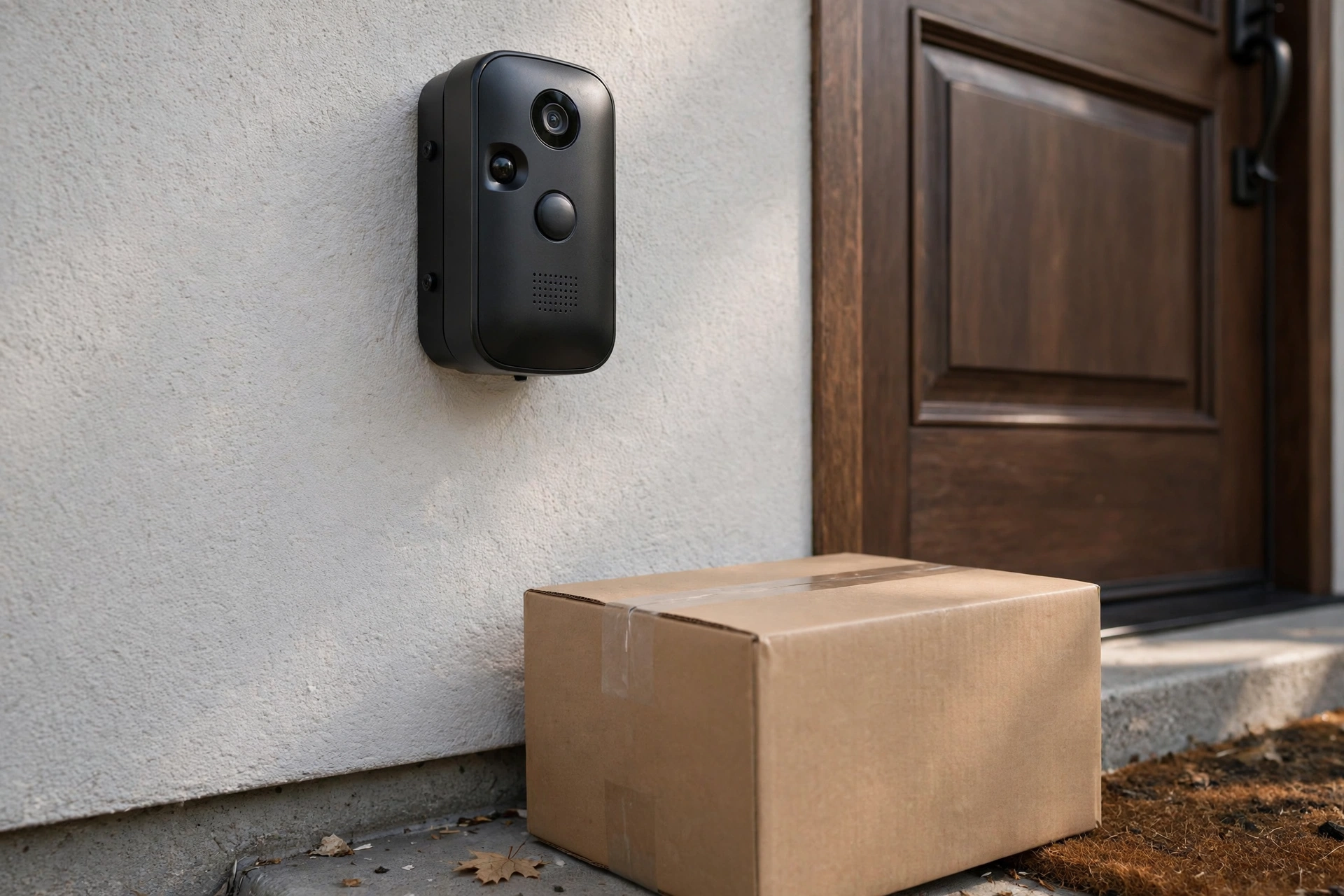
Field of view matters more than resolution on paper. A tall or wide view that shows parcels on the ground is worth more than extra pixels on a face. Look for at least 160 degrees or a head-to-toe aspect ratio, and check night vision quality — most visitors and most parcel thefts happen after dark. Also think about placement: a doorbell mounted too high sees hats, not faces, and a doorbell facing direct sun will struggle at certain hours.
Finally, think about privacy and neighbours. A doorbell that records audio and video of a shared hallway or a neighbour’s door can create friction — and in some places, legal duties. Angle the camera at your own porch, use activity zones to ignore the street, and tell household members how clips are stored. It is also worth securing the Wi-Fi network your doorbell runs on, since a doorbell is one more connected device on your home network — see our guide to How to Protect Your Online Privacy (A Beginner’s Step-by-Step Guide) for the basics, and Cybersecurity Tips for Beginners (12 Simple Ways to Stay Safe Online) for keeping every device in the house safe.
Wired vs Battery: Which Is Right for You?
The single biggest decision is power, and it shapes everything else. A wired doorbell draws constant power from your existing doorbell transformer, so it never needs charging and can offer faster alerts, pre-roll video (a few seconds recorded before the motion event) and sometimes continuous recording. The downside is installation: you need existing wiring, a transformer with the right voltage, and enough confidence to switch off power at the breaker while you connect two small wires. Most people manage it in under an hour, but if your home has no doorbell wiring at all, running new wires is a job for an electrician.
Battery doorbells trade that hassle for freedom. You can mount one anywhere — a flat, a rented house, a gate with no wiring — and move it when you move home. The price is maintenance: you will recharge every few weeks or months depending on traffic, and on a cold winter night the battery drains faster. Some owners solve this with a second battery kept charged indoors, swapping them in seconds. Others add a small solar charger that trickle-charges the doorbell during the day, which works well on a sunny south-facing door and poorly on a shaded north-facing one.
There is also a middle path. Several models, including Arlo and Aqara, work either way: run them on battery now, and wire them later if you add a transformer. If you are unsure, that flexibility is worth paying for. And whichever route you take, test the Wi-Fi signal at your front door before you mount anything — stand outside with your phone and check the signal strength, because a doorbell on a weak connection will be slow to answer no matter how good the camera is.
Common Mistakes to Avoid
The most common mistake is buying for the spec sheet instead of the door. A 2K camera sounds better than a 1080p one, but if it faces a busy street and sends you forty alerts a day, you will switch the notifications off within a week — and a doorbell you ignore is worse than no doorbell at all. Set activity zones on day one, tune the motion sensitivity over the first week, and aim the camera at your porch, not the pavement.
The second mistake is forgetting the chime. A battery doorbell with no indoor chime means nobody hears the ring unless their phone is nearby and unmuted. Most brands sell a plug-in chime or let you use a smart speaker as one — sort this out during install, not after your first missed visitor. And if you choose a wired model, check the transformer voltage before you buy: an old 10 VA transformer will not power a modern video doorbell, and the doorbell will ring, reboot and ring again in a loop that is maddening to diagnose.
Finally, do not mount the doorbell and walk away. Test it at night, test it in rain, and test it with a parcel on the ground. Walk up to your own door the way a visitor would and watch the recording — if you cannot read your own face clearly, adjust the angle or add a porch light. A ten-minute test on install day saves months of useless footage.
FAQ
Do smart doorbells need Wi-Fi?
Yes, for alerts, live view and cloud storage they need a Wi-Fi connection, and most models need a reasonably strong signal at the front door — a weak signal is the most common cause of slow notifications. Some models with local storage can keep recording during a Wi-Fi outage and upload later, but you will not get a live alert until the connection returns.
Can a smart doorbell be stolen?
It can be removed, but most models use a security screw and tamper alerts, and many brands offer free replacement if a doorbell is stolen while installed. Cloud or hub-stored clips of the theft usually survive, since the footage is not stored on the doorbell itself — another reason to prefer cloud or hub storage over on-device storage.
Do video doorbells work at night?
Yes — all six models here have infrared night vision, and the better ones add colour night vision when there is some porch light. A small porch light above the door makes a bigger difference to night image quality than any camera spec, so fit one if you can.
Are video doorbells legal?
In most places, yes, for your own property — but rules on audio recording and filming neighbours’ property vary by country and state. Keep the camera aimed at your porch, avoid recording audio in shared spaces where the law requires consent, and check local rules before installing a doorbell that faces a neighbour’s door or a public pavement.
How long do doorbell batteries last?
It depends on activity: a quiet door can last three to six months per charge, while a busy street-facing door may need charging every three to six weeks. Cold weather shortens battery life noticeably. Wired models avoid the issue entirely, and a spare battery or a solar charger accessory removes most of the hassle.
Conclusion
The best smart doorbell camera in 2026 depends on your door, not the spec sheet. Ring Pro 2 is the smoothest choice for wired Alexa homes, Nest is the easiest battery install, Arlo has the sharpest picture, and Aqara is the one for Apple households. But for most people, Eufy wins the argument: no monthly fee, dual cameras that actually see parcels, and months of battery life. Check your door frame before you order, because a narrow frame or a deep porch can make a wide camera miss the very parcels you bought it to see. Battery models are easier to fit, but a wired one never needs charging, so weigh a one-off install against months of remembering to charge. And tell your neighbours what the camera covers, since a friendly word now avoids an awkward conversation later.
Before you buy, check your wiring, add up the three-year cost including any subscription, and test your Wi-Fi signal at the front door. Get those three things right and whichever model you pick will do its job quietly for years — watching the porch, catching the parcels, and letting you answer the door from anywhere.