
Your phone screen is the dirtiest thing you touch all day. Studies have found more bacteria on the average phone than on a toilet seat, and that is before you count the fingerprints, face oil, makeup and pocket dust that build up every single day. A smeary screen is harder to read in sunlight, makes the touchscreen less responsive, and quietly carries germs to your face every time you take a call.
Cleaning a phone screen sounds simple, and it is, but doing it wrong can damage the screen’s protective coating, scratch the glass or push liquid into the speaker and charging port. Paper towels, window cleaner and hand sanitiser are all common mistakes, and each one can do real harm over time.
This guide shows you how to clean your phone screen safely: what you need, the step-by-step method, what to avoid, and how often to do it. It works for iPhone, Samsung, Google Pixel and every other modern phone.
What You Need
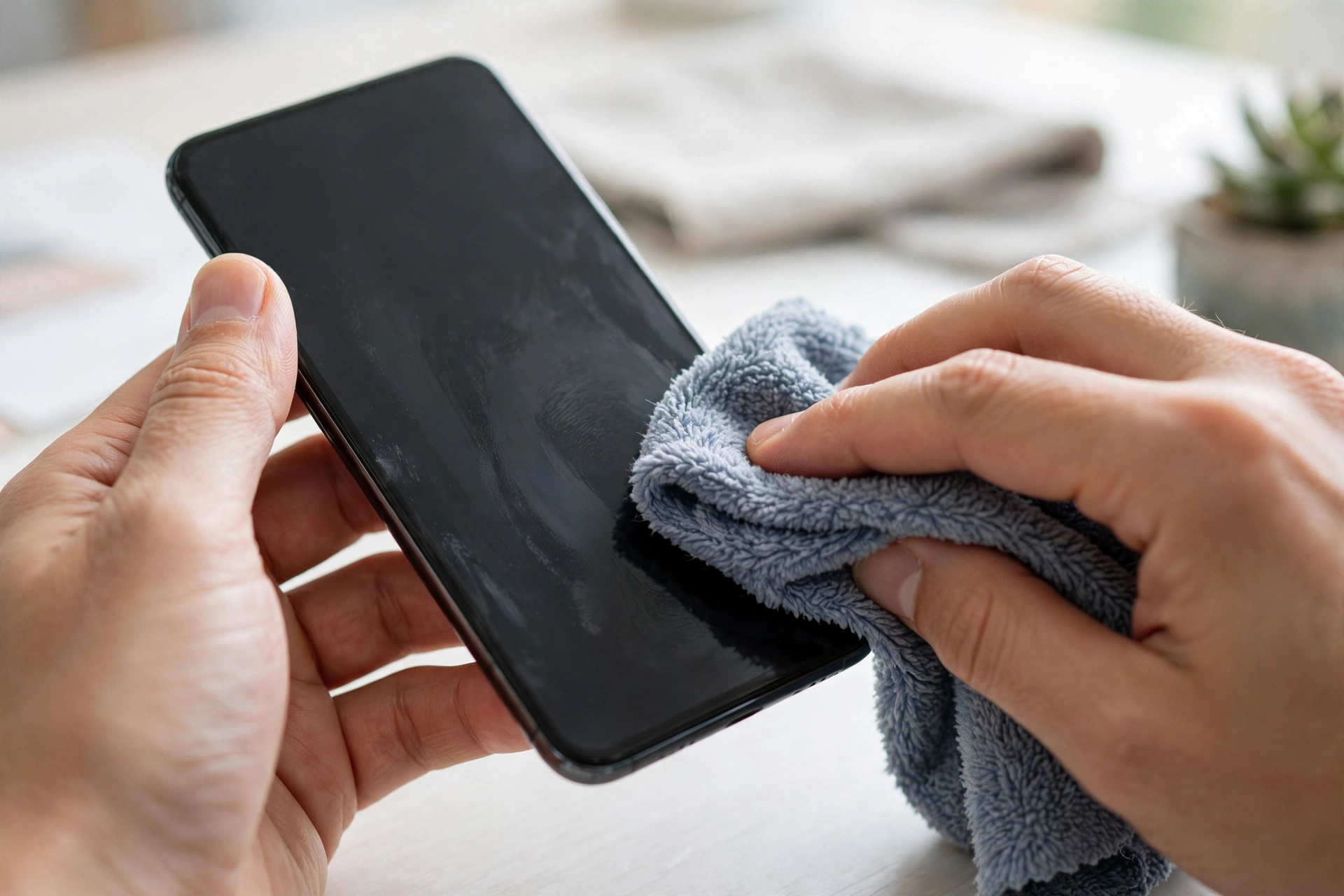
You need very little: a clean microfibre cloth, a small amount of distilled water or a screen-safe cleaning spray, and optionally a soft brush or a wooden toothpick for the ports. A microfibre cloth is the key item. Its tiny fibres lift oil and dust without scratching, and it is the same material used to clean glasses and camera lenses. Keep one in your bag or at your desk, and wash it regularly so it does not collect grit.
Distilled water is the safest liquid, because it has no minerals that leave streaks or residue. Tap water works in a pinch, but it can leave spots on the glass as it dries. A screen cleaning spray made for electronics is fine too, as long as it is alcohol-free and ammonia-free. Check the label before you buy: if it lists ammonia or harsh solvents, put it back.
You do not need special wipes, UV sterilisers or expensive kits. A good cloth and a little water do the job as well as anything, and they cost almost nothing. If you like the convenience of wipes, choose ones labelled safe for phone screens, and avoid anything with bleach, acetone or window cleaner in it.
Step 1: Power Off and Unplug
Before you clean anything, switch the phone off or at least lock the screen, and unplug any cable. A dark screen shows smudges far better than a lit one, so you can see what you are doing. It also stops accidental taps, and it removes any risk of a short circuit if a drop of liquid gets somewhere it should not.
Take the phone out of its case. Dust and grit collect between the case and the phone, and cleaning the screen while the case is on just pushes that grit around. Clean the case separately while you are at it: most cases can be washed with warm soapy water and left to dry.
Step 2: Brush Away Dust and Grit
Hold the phone upside down and give it a gentle shake or a light tap to dislodge loose dust. Then use a soft brush, a clean makeup brush works well, or a dry microfibre cloth to sweep away anything sitting on the glass. This step matters more than people think: wiping a dry screen that has sand or grit on it is how most scratches happen.
Pay attention to the edges, the speaker slot and the charging port, where dust collects. A wooden toothpick can clear lint from the charging port, but be gentle and never use a metal pin, which can damage the contacts inside. A can of compressed air, held upright and used in short bursts, is a safer option for the ports.
Step 3: Wipe With a Dry Microfibre Cloth
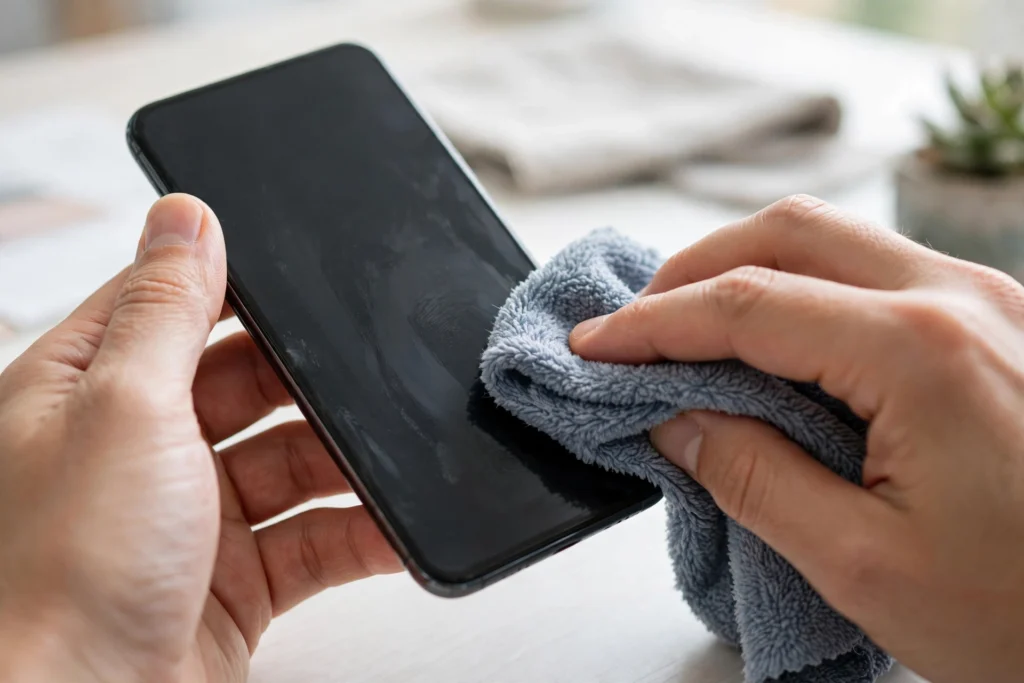
Start with a dry cloth. Wipe the screen in small circles, using light pressure, and work from the centre outwards. A dry microfibre cloth alone removes most fingerprints and dust, and for a daily clean it is often all you need. Flip the cloth to a clean side as you go, so you are not dragging the dirt you just picked up back across the glass.
Use straight, even strokes rather than scrubbing hard in one spot. The screen’s oleophobic coating, the invisible layer that resists fingerprints, wears down faster under harsh rubbing, so gentle and regular beats aggressive and rare. If the screen looks clean after the dry wipe, you can stop here.
Step 4: Dampen the Cloth for Stubborn Marks
If fingerprints and smudges remain, dampen one corner of the microfibre cloth with a little distilled water or screen spray. The cloth should be barely damp, not wet. Never spray liquid directly onto the phone, because it can run into the speaker, the charging port or the earpiece, where it can damage the internals.
Wipe the screen again in small circles with the damp part of the cloth, then immediately follow with the dry part to remove any moisture. The two-step damp-then-dry pass leaves the glass streak-free and safe. If you are using a screen spray, spray it onto the cloth, never onto the phone, and keep the liquid away from every opening.
Step 5: Disinfect Gently, If You Want To
Water removes dirt, but it does not kill germs. If you want to disinfect the screen, Apple and Samsung both say a 70 percent isopropyl alcohol wipe is safe for modern phones, used occasionally and gently. Wipe the screen once, let it dry, and do not use it every day, because alcohol can wear down the fingerprint-resistant coating over time.
Do not use hand sanitiser, bleach, hydrogen peroxide or household disinfectant sprays. They contain ingredients that can strip the coating, cloud the glass or damage the seals around the screen. A dedicated phone wipe or a 70 percent isopropyl wipe is the limit. For most people, a weekly disinfecting wipe and a daily dry wipe is the right balance.
Step 6: Clean the Back and the Case
While you are at it, clean the back of the phone the same way: a dry cloth, then a damp one if needed. The back collects just as much oil and bacteria, and a clean phone feels better to hold. If your phone has a glass back, the same rules apply: no harsh chemicals, no abrasive cloths.
Wash the case with warm water and mild soap, rinse it, and let it dry completely before you put the phone back in. Silicone and plastic cases clean easily, while leather cases need a leather cleaner and should not be soaked. A clean case stops grit building up between the case and the phone, which is a common cause of scratches on the back and edges.
Cleaning Earbuds and Other Accessories
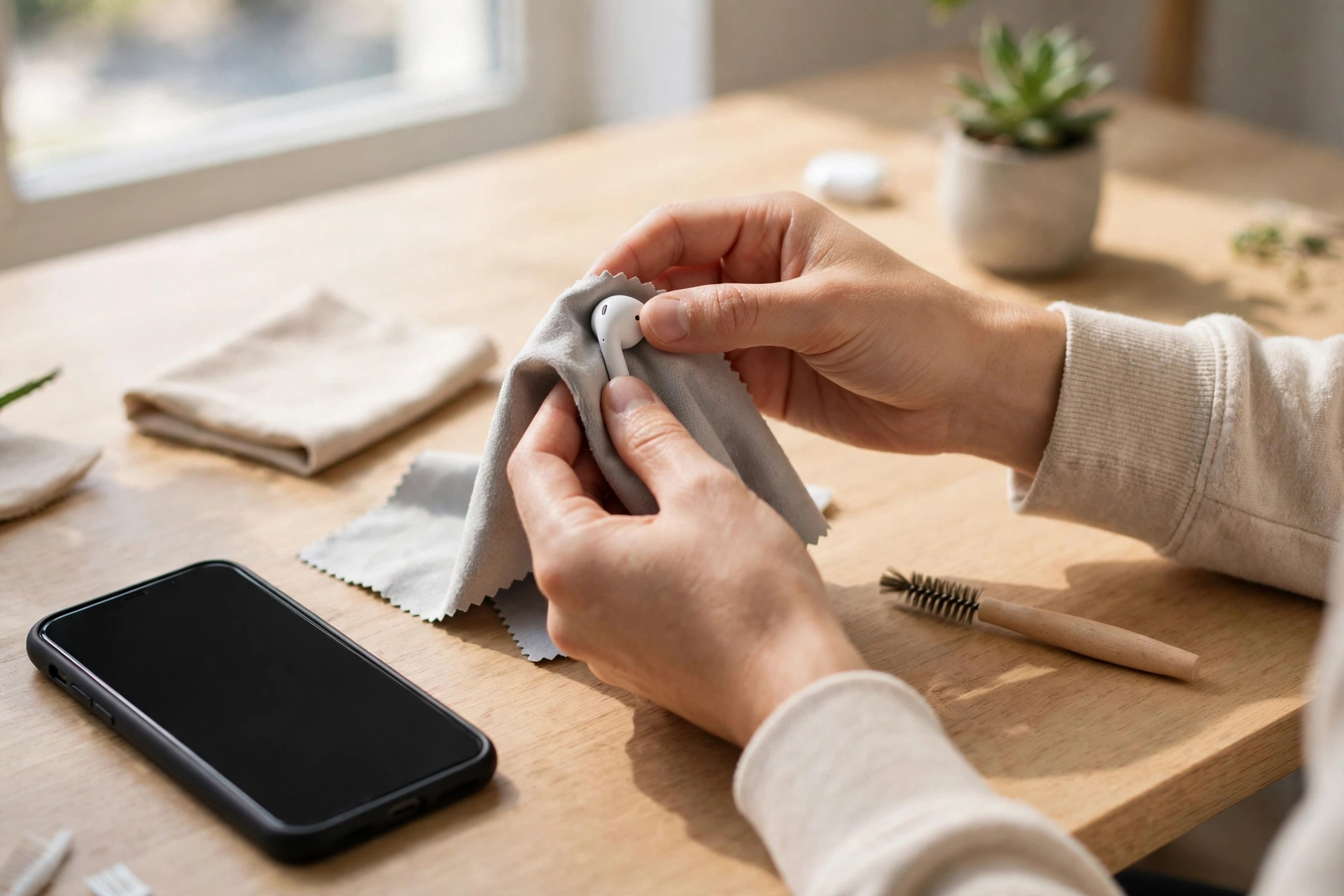
Your earbuds sit in your ears for hours a day, and they collect earwax, dust and sweat, which affects both sound quality and hygiene. Remove the silicone tips and wash them with warm soapy water, then let them dry completely before you put them back. For the earbud body itself, wipe it with a dry microfibre cloth, and use a soft dry brush or a wooden toothpick to clear wax from the speaker mesh. Never push anything sharp into the mesh, and never get the charging contacts wet.
The same gentle approach works for smartwatches, tablets and laptops. A watch screen cleans exactly like a phone screen, and the strap can usually be washed with soap and water if it is silicone, or wiped with a damp cloth if it is leather. A laptop screen needs the same care as a phone screen, but with one extra rule: never spray liquid near the keyboard, and wipe the screen with the laptop switched off so you can see the smudges. A tablet is just a bigger phone screen, and the same cloth and water method works perfectly.
Charging cables deserve a wipe too, especially the connectors, which pick up pocket lint and grime. A dry cloth is enough, and a wooden toothpick can clear lint from a USB-C port if charging feels loose. Keep the routine simple: when you clean your phone, give the earbuds and the watch a quick wipe at the same time, and the whole set stays clean with almost no extra effort.
What to Avoid
The list of things that damage phone screens is longer than most people expect. Paper towels and tissues feel soft, but their fibres are rough enough to scratch glass over time, and they leave lint behind. Window cleaner contains ammonia, which strips the oleophobic coating and can cloud the screen. Hand sanitiser and acetone are worse, and can damage the glass and the seals.
Do not use compressed air directly on the screen at close range, and do not use a vacuum cleaner. Do not submerge the phone in water to clean it, even if it is rated water-resistant: the rating covers accidental splashes, not baths, and the seals wear down with age. And never clean the screen with your shirt, especially if it has buttons, zips or grit on it. Keep a microfibre cloth nearby instead.
| Method | Safe? | Why |
|---|---|---|
| Microfibre cloth, dry | Yes | Lifts oil without scratching |
| Damp cloth, distilled water | Yes | Removes stubborn marks safely |
| 70% isopropyl alcohol wipe | Yes, occasionally | Disinfects, but wears coating if overused |
| Paper towel or tissue | No | Rough fibres scratch and leave lint |
| Window cleaner | No | Ammonia strips the screen coating |
| Hand sanitiser or bleach | No | Damages glass, coating and seals |
How Often Should You Clean Your Phone Screen?
A quick dry wipe once a day is enough for most people, and it takes ten seconds. Do it at the end of the day, or keep a cloth by your desk and wipe the screen whenever you notice smudges. A deeper clean with a damp cloth once a week keeps the glass clear and the germs down, and a disinfecting wipe once a week is plenty for most users.
Keep the routine simple and you will actually do it. A small microfibre cloth in your bag or on your desk turns cleaning into a ten-second habit rather than a chore, and the difference it makes to readability in sunlight is immediate. If you wear glasses, the same cloth works for those too, so one cloth covers your two most-used screens.
It is also worth wiping the screen before you hand your phone to someone else to show them a photo, and after you get it back. That small habit keeps your phone cleaner and stops you passing germs back and forth without thinking about it. A clean screen is not just about looks: it is about a device you press against your face dozens of times a day.
Clean more often if you are ill, if you share your phone with children, or if you use it while cooking or eating. And clean it after lending it to someone else, after a long call, or after it has been in a dusty pocket or bag. If you take a lot of photos, our Best Photo Editing Apps (10 Free and Easy Apps for Better Photos) guide is worth a look too.
Protecting the Screen Between Cleans
A screen protector is the best way to keep the glass in good condition between cleans. A tempered glass protector takes the scratches and the drops, and when it gets too marked you replace it for a few dollars instead of living with a scratched screen. It also gives you a surface you can clean more aggressively without worrying about the coating underneath.
A case with a raised edge stops the screen touching flat surfaces when you put the phone face down. That one design detail prevents a large share of everyday scratches. And a simple habit helps more than any product: put the phone in a pocket on its own, not with keys, coins or anything else that can scratch the glass. For more ways to look after your devices, see our iPhone Hidden Features (18 Secret Tricks You Should Try) or the Android equivalent, Android Tips and Tricks (20 Useful Things Your Phone Can Do).
Common Mistakes People Make
The most common mistake is spraying cleaner directly onto the screen. It feels natural, but the liquid runs into the speaker and the charging port, where it can cause damage that shows up weeks later. Always spray the cloth, never the phone.
The second mistake is pressing too hard. Modern screens are tough, but hard pressure with a rough cloth wears the coating and can crack a screen protector. Light, even pressure is enough, and if a mark will not come off, dampen the cloth a little more instead of pushing harder.
The third mistake is cleaning too rarely and then overcompensating. A screen left dirty for a month builds up a layer of oil that feels like it needs a harsh cleaner, but it does not. A damp microfibre cloth and a little patience will remove it. Regular light cleaning is always easier than one aggressive scrub.
FAQ
Can I use hand sanitiser to clean my phone screen?
No. Hand sanitiser contains ingredients that can strip the screen’s fingerprint-resistant coating and damage the seals around the glass. Use a 70 percent isopropyl alcohol wipe instead, occasionally, or a damp microfibre cloth for daily cleaning.
Is it safe to use alcohol wipes on my phone?
Yes, occasionally. Apple and Samsung both say 70 percent isopropyl alcohol wipes are safe for modern phones. Use them once a week at most, wipe gently, and do not use them every day, because regular alcohol use can wear down the coating over time.
Can I clean my phone screen with water?
Yes, a cloth barely dampened with distilled water is one of the safest ways to clean a screen. Never pour water on the phone or spray it directly, and dry the screen straight after with the dry part of the cloth.
Why does my screen get smudgy so fast?
Your fingers leave natural oils on the glass every time you touch it, and the screen’s fingerprint-resistant coating wears down over months of use. A screen protector restores a fresh, smooth surface, and a daily wipe with a microfibre cloth keeps the smudges under control.
Does cleaning my phone screen remove germs?
A dry or damp cloth removes dirt and some germs, but it does not disinfect. For germs, use a 70 percent isopropyl alcohol wipe once a week. That kills most bacteria and viruses on the glass without damaging the screen, as long as you do not overdo it.
Conclusion
Cleaning your phone screen safely comes down to three rules: use a microfibre cloth, use very little liquid, and never spray anything directly onto the phone. A dry wipe once a day and a damp wipe once a week keeps the glass clear, the touchscreen responsive and the germs down. Avoid paper towels, window cleaner and hand sanitiser, and use an alcohol wipe only occasionally if you want to disinfect. Add a screen protector and a case with a raised edge, and your screen will stay clear and scratch-free for years. It takes ten seconds a day, and your phone, and your face, will be better for it.