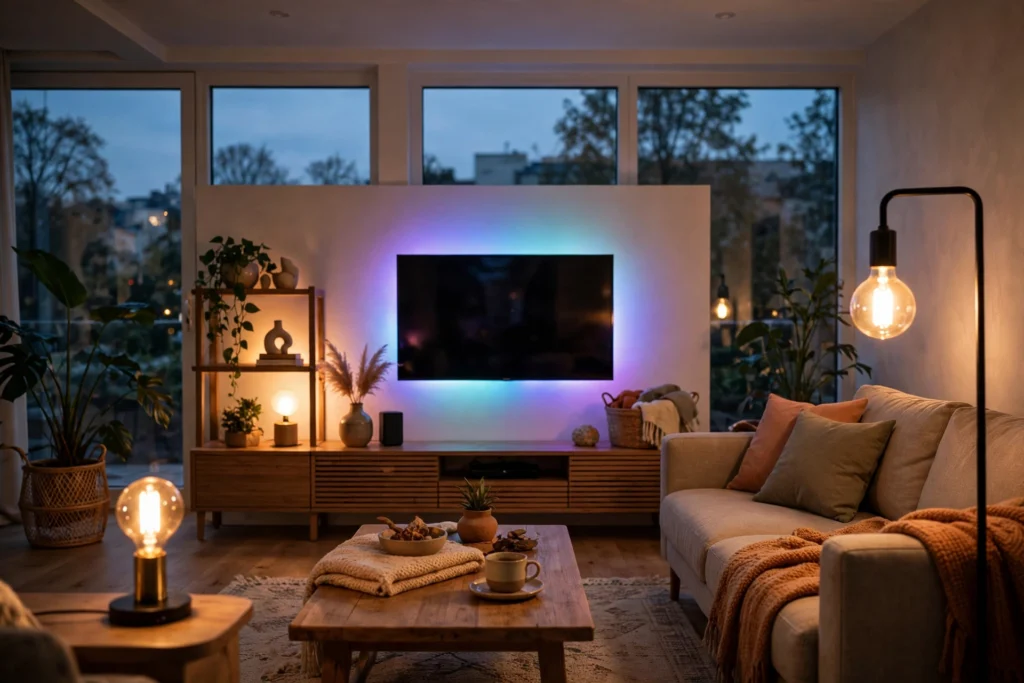

Walk into a room and the lights already know what you want. Warm and dim for a film night, bright white for reading, a splash of colour for a party — that is the promise of smart lighting, and in 2026 it finally feels less like a gadget demo and more like something a normal home can use every day. Prices have dropped, setup has got simpler, and most bulbs now work with the voice assistant you already own.
Still, picking the best smart lights is not as simple as grabbing the cheapest box. Some bulbs need a hub, some only work on 2.4 GHz Wi-Fi, and some lock their best features behind a subscription or a single ecosystem. A bulb that is perfect for a bedroom lamp can be a poor fit for a kitchen ceiling, and a strip that looks great behind a TV may be useless in a hallway.
This guide cuts through that noise. We compared eight of the most popular smart lights you can buy in 2026 — bulbs, strips, panels and a full starter kit — on brightness, colour quality, app experience, voice control and value. Every pick below works with at least one major smart home platform, and we flag the catches honestly so you do not find them after the return window closes.
1. Philips Hue White and Colour Ambiance Starter Kit
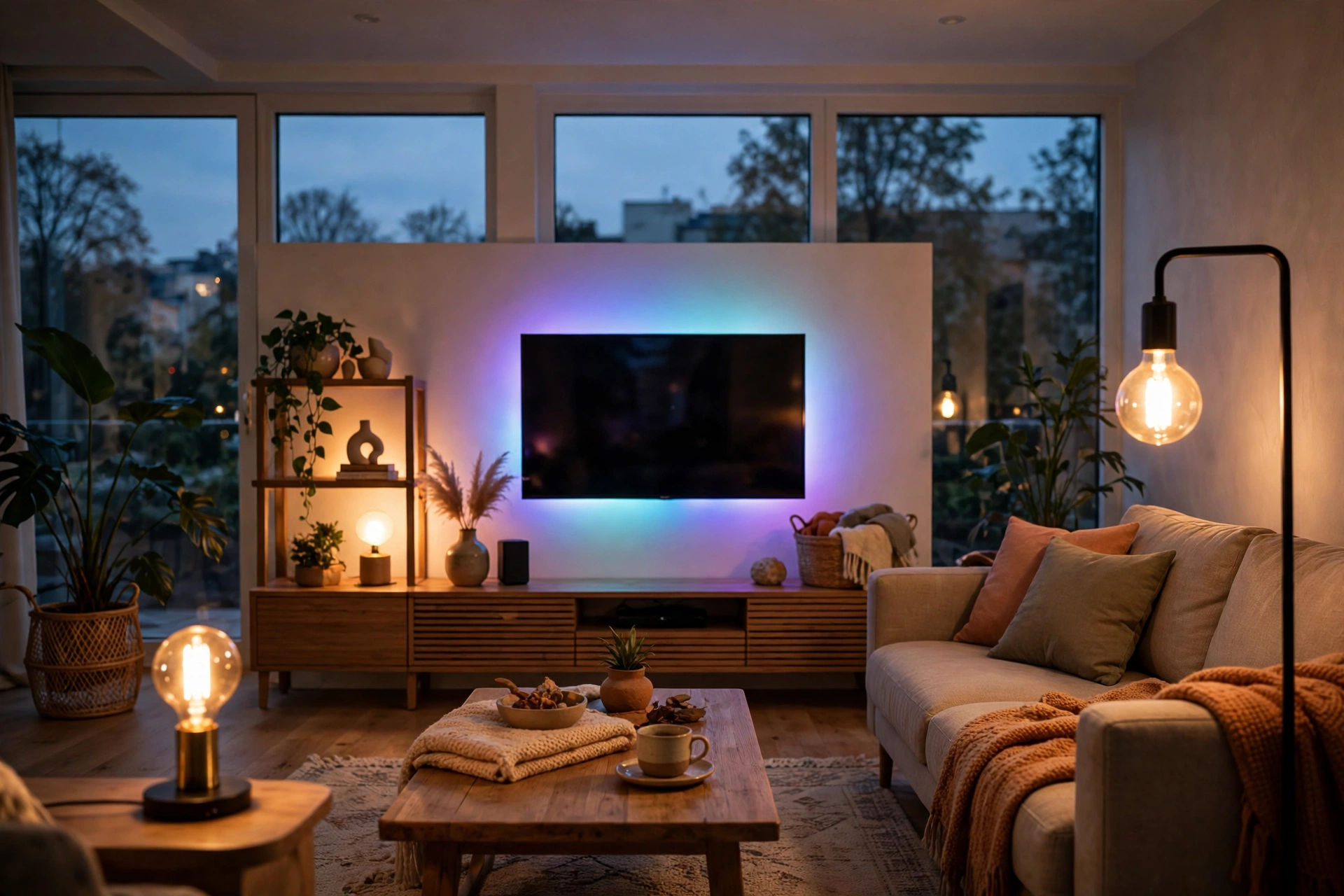
Philips Hue is the name most people think of first, and for good reason. The starter kit pairs four colour bulbs with the Hue Bridge, a small hub that connects to your router and keeps everything fast and reliable. Colours are rich and accurate, whites shift from a candle-like 2000K to a crisp daylight 6500K, and the app is the most polished of any brand here. Routines, scenes, timers and geofencing all work without fuss, and Hue plays nicely with Alexa, Google Home, Apple HomeKit and Samsung SmartThings.
The catch is price. Hue costs more per bulb than almost any rival, and you need the Bridge for the full experience, though newer bulbs also support Bluetooth for basic control. If you plan to light a whole house, the bill adds up fast. But if you want the safest bet — the system with the widest range of bulbs, lamps, strips and outdoor lights, plus years of software updates — Hue is still the benchmark other brands chase.
2. LIFX Colour A19
LIFX takes a different path: no hub at all. Each bulb connects straight to your Wi-Fi, so you can start with a single bulb and grow from there. At around 1100 lumens it is brighter than most rivals, and the colour range is genuinely vivid — deep reds and blues that cheaper bulbs render as washed-out pink. The app offers themes, schedules and music sync, and the bulbs work with Alexa, Google Home and Apple HomeKit.
Wi-Fi-only does have a trade-off. A house full of LIFX bulbs puts more load on your router, and if your Wi-Fi drops, so does your lighting control. LIFX also costs more than budget brands, sitting in the mid-range. For a flat or a few key rooms, though, the hub-free setup and the sheer brightness make it one of the easiest upgrades you can make.
3. Nanoleaf Shapes
Nanoleaf Shapes are not bulbs at all — they are light panels that stick to your wall in triangles, hexagons or mini-triangles, and they turn a blank wall into art. Touch controls let you tap a panel to switch it on or change the scene, and the colours are bold and even across every panel. They work with Alexa, Google Home and Apple HomeKit, and newer kits support Thread, which makes them respond faster and more reliably.
These are a statement piece, not a workhorse. They will not light a whole room on their own, and the price per panel adds up if you want a big design. Setup also takes patience — you are sticking panels to a wall and planning a layout, not screwing in a bulb. But for a gaming room, a home office backdrop or a kid’s bedroom, nothing else on this list looks as good on a video call.
4. Govee Smart LED Strip Lights
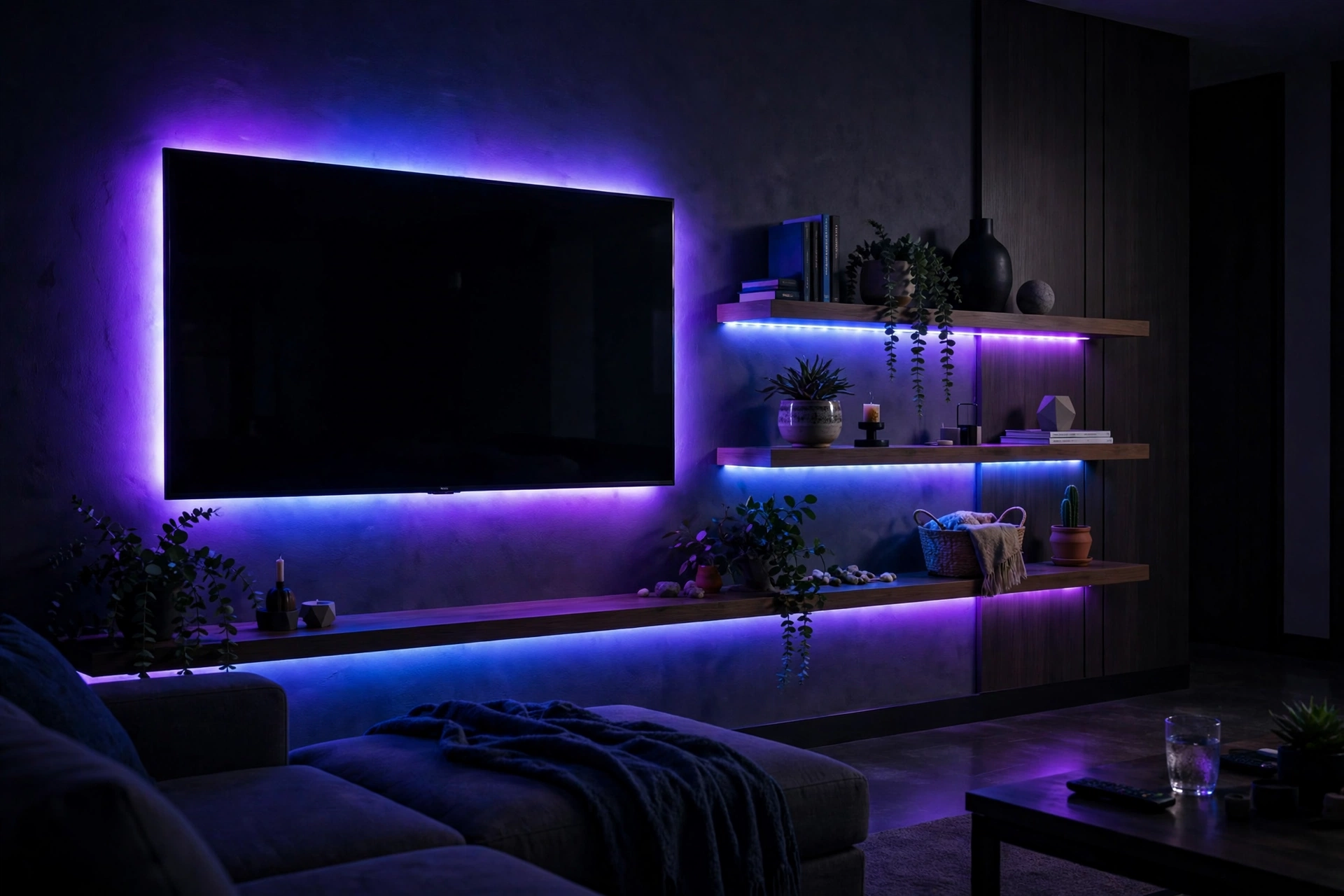
Govee built its name on LED strips, and the current models are the best value way to add colour to a room. Stick a strip behind a TV, under a bed frame or along a shelf, and the whole space changes. The app is packed with preset scenes, DIY modes and music sync, and many strips now support segmented colour — different parts of the same strip showing different colours at once. Alexa and Google Assistant are supported, and prices are low enough to try in three rooms at once.
Build quality is where you notice the price. The adhesive can give up on dusty or textured walls, and the strips are not cut-and-rejoin friendly in every model, so measure before you buy. Colour accuracy is good for the money but a step behind Hue and LIFX. For accent lighting on a budget, though, Govee is hard to beat — it is the brand to pick when you want maximum visual impact per dollar.
5. TP-Link Kasa Smart Bulb KL135
TP-Link’s Kasa bulbs are the quiet overachievers of this list. They cost far less than Hue or LIFX, connect directly over Wi-Fi with no hub, and the Kasa app is simple enough that a technophobe can set a schedule in under a minute. Brightness is solid at around 800 lumens, colours are decent, and you get Alexa and Google Assistant support out of the box. Kasa also makes smart plugs and switches, so one app can run a surprising amount of your home.
You give up a few things for the price. There is no Apple HomeKit support on most Kasa bulbs, colour richness is a notch below the premium brands, and the app lacks the scene depth of Hue. None of that matters much if you want reliable, affordable colour bulbs for bedrooms and living rooms. For a first smart bulb — the one you buy to see if this whole idea is for you — Kasa is the smartest spend.
6. Wyze Bulb Color
Wyze has a habit of undercutting everyone, and its colour bulb is no exception. It is often the cheapest name-brand smart bulb you can buy, it needs no hub, and it pairs with the Wyze app that also runs the company’s cameras and sensors. Brightness is respectable, whites are clean, and you get schedules, vacation mode and voice control with Alexa and Google Assistant.
The low price shows in small ways. Colours are less saturated than LIFX or Hue, the app is functional rather than delightful, and there is no HomeKit support. Wyze is also a brand whose app and cloud services have changed over the years, so buy it for what it does today. If your budget is tight and you already use Wyze cameras, the bulb slots into your setup neatly and costs less than a takeaway coffee per bulb on sale.
7. IKEA TRÅDFRI (now part of the IKEA smart home range)
IKEA’s smart lighting range is the most underrated option for renters and anyone who likes a physical remote. Bulbs are cheap, the optional remote and dimmer switch work without a phone, and the range covers bulbs, panels, cabinet lights and drivers for kitchen lighting. Pair them with the IKEA Dirigera hub and you get app control, schedules and support for Alexa, Google Home and Apple HomeKit.
Colour bulbs exist but the range leans toward white-spectrum lighting — warm to cool white rather than rainbow colour — so this is a pick for people who want better light, not a disco. The app is basic compared with Hue, and setup with the hub has more steps than a Wi-Fi bulb. But if you are already furnishing a home at IKEA, adding their lighting is the lowest-friction way to go smart, and the physical remotes are a genuine blessing for guests and kids.
8. Sengled Smart LED Bulb
Sengled rounds out the list as the bulk-buy champion. Sold in multi-packs at prices that make whole-house upgrades realistic, these Wi-Fi bulbs need no hub, support Alexa and Google Assistant, and cover the basics well: dimming, schedules, warm-to-cool white and colour on the colour models. Sengled also sells bulbs with built-in Bluetooth speakers and motion sensors, which are fun extras for bathrooms and hallways.
Expect basic rather than brilliant. Colour accuracy and app polish sit below the premium brands, and the white-only models are the real value — the colour versions are fine but not spectacular. For landlords, large homes or anyone lighting six rooms at once, Sengled’s multi-packs are the most practical way to do it without spending a fortune.
| Light | Type | Hub needed? | Brightness (approx.) | Best for |
|---|---|---|---|---|
| Philips Hue Starter Kit | Colour bulbs | Yes (Bridge) | 800 lumens | Whole-home systems |
| LIFX Colour A19 | Colour bulb | No | 1100 lumens | Bright, vivid colour |
| Nanoleaf Shapes | Wall panels | No | Accent | Statement walls |
| Govee LED Strip | Strip | No | Accent | TV and shelf glow |
| TP-Link Kasa KL135 | Colour bulb | No | 800 lumens | Budget first bulb |
| Wyze Bulb Color | Colour bulb | No | 800 lumens | Cheapest colour |
| IKEA TRÅDFRI | Bulbs & panels | Optional | 800 lumens | Renters, remotes |
| Sengled Smart LED | Bulbs | No | 800 lumens | Bulk whole-house |
How to Choose the Best Smart Lights for Your Home
Start with the room, not the brand. A bedroom needs warm dimming and a gentle wake-up routine; a kitchen needs bright, accurate white light for cooking; a living room benefits from colour scenes and dimming for film nights. Buying one bulb for one room first is the best way to learn what you actually use — most people discover they care far more about warm dimming than about sixteen million colours.
Next, check your ecosystem. If your household runs on Alexa, almost everything works. Google Home is nearly as broad. Apple HomeKit users need to check compatibility carefully, since several budget brands skip it. If you plan to buy more smart home gear later, a hub-based system like Hue or a Thread-supporting brand will scale better than a house full of Wi-Fi bulbs. And if you are new to all of this, our guide to Smart Home Technology for Beginners (What It Is and Where to Start) walks through the basics before you spend anything.
Check your Wi-Fi before you buy a dozen Wi-Fi bulbs. Most smart bulbs only connect to the 2.4 GHz band, so if your router merges bands under one name, you may need to split them or use a hub-based system instead. Also look at the fitting: E26/E27 is standard in most lamps, but recessed cans, chandeliers and GU10 spots need different shapes. A quick look at Internet of Things Examples (12 Smart Devices Already Around You) shows how lighting fits into the wider connected home.
Finally, think about who else uses the lights. Physical switches and remotes matter — guests, kids and older family members should not need an app to turn on a bathroom light. Brands like IKEA and Hue sell wireless dimmers that solve this neatly. And set a budget per room rather than per bulb: a living room with four Hue bulbs costs far more than one statement strip, and the strip may give you more joy. One more practical point: LED smart bulbs last around 15,000 to 25,000 hours, so a bulb you use three hours a day can run for over a decade — which means paying a little more for quality is rarely a bad deal, since you will live with the choice for years.
One last tip that saves money: buy your bulbs during sale events and stick to one brand per room. Mixed brands in the same room mean different apps, slightly different colours, and scenes that never quite match. A single brand per room keeps the light consistent and the controls simple.
FAQ
Do smart lights work without Wi-Fi?
Most smart lights need Wi-Fi or a hub for app and voice control, but many still work as ordinary bulbs from a wall switch — on and off, at their last brightness. Bluetooth bulbs work from your phone nearby without Wi-Fi, and hub systems like Hue keep working locally even if your internet drops. If your connection is unreliable, a hub-based system is the safer choice.
Do smart bulbs use electricity when they are off?
Yes, a tiny amount — usually under one watt per bulb — because the bulb stays connected so it can hear the next command. Across a house of ten bulbs that adds up to a few dollars a year, far less than the energy you save by dimming and by lights switching off automatically when nobody is home.
Can I use smart bulbs in any lamp?
Almost any standard lamp or fixture with a matching fitting works, but avoid enclosed fixtures that trap heat unless the bulb is rated for them, and skip dimmer switches — smart bulbs have their own dimming, and an old wall dimmer can make them flicker or buzz. If a fixture has a dimmer, set it to full and control brightness from the app.
Are smart lights worth it for renters?
Yes, more than most smart home gear. Bulbs screw in and out with no wiring, strips peel off, and you take everything with you when you move. Stick to Wi-Fi bulbs or a portable hub, keep the original bulbs to swap back, and check your lease only if you plan to change any fixed fixtures.
Which smart light is best for a bedroom?
A warm-white dimmable bulb with a gentle wake-up routine is the best bedroom pick — Philips Hue and LIFX both do this well, and Kasa is the budget option. Look for bulbs that dim smoothly to very low levels and support a warm 2200K colour temperature, which feels far more relaxing at night than harsh white light.
Conclusion
The best smart lights in 2026 are not about one brand winning — they are about matching the light to the room and the person using it. Philips Hue remains the most complete system for a whole home, LIFX wins on brightness and hub-free colour, and Govee delivers the most drama per dollar. Kasa and Wyze prove you do not need a big budget to start, while IKEA and Sengled make whole-house upgrades realistic.
Start small: one room, two or three bulbs, a week of living with them. You will quickly learn whether you reach for scenes, schedules or just the dimmer — and that tells you exactly what to buy next. Smart lighting is one of the few home upgrades you notice every single day, and once the lights fade up gently in the morning, going back to a plain switch feels oddly old-fashioned. For more ways to make your home work harder, see Best Budget Smartphones (Great Phones That Don’t Cost Much in 2026) — your phone is, after all, the remote for all of it.