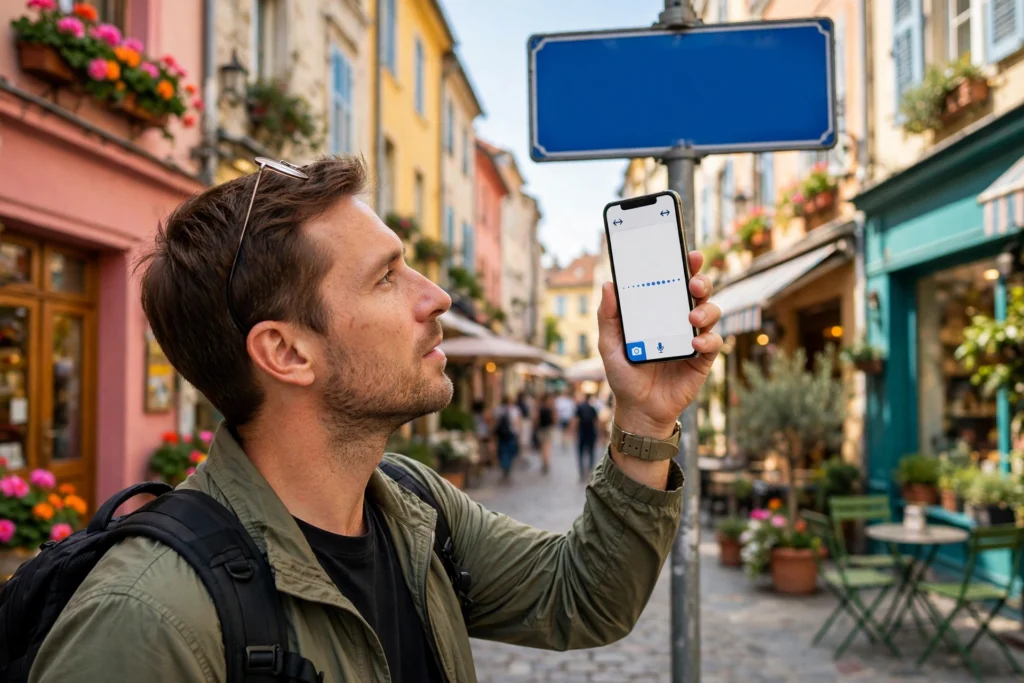

Translation used to mean either a phrasebook or an expensive professional. Then machine translation arrived, and it was good enough for a menu but not much else. AI has changed that. The best translation tools in 2026 understand context, tone, and idiom, and they can turn a business email, a novel, or a whole website into another language in seconds — often well enough that a native speaker would not guess it was machine-made.
That does not mean every tool is equal. Some are brilliant in European languages and weak elsewhere. Others handle documents and websites better than chat. A few are built for professional translators, with glossaries and style controls that casual users will never touch. Picking the right one depends on what you translate, how often, and how much accuracy matters.
This guide compares eight of the best AI translation tools you can use in 2026. Each one is judged on accuracy, language coverage, features for documents and real-time use, and price — with honest notes on where each one falls short.
1. DeepL
DeepL is the translator that professionals reach for first, and for good reason. Its translations read more naturally than the competition, especially in European languages like German, French, Spanish, and Dutch. It handles tone well — formal when it should be formal, casual when it should be casual — and it rarely produces the stiff, literal sentences that mark machine translation.
DeepL also has the best tools for serious work: glossaries that keep your terms consistent, a document translator that preserves formatting, and a writing assistant that improves your text in the target language. The free tier covers everyday translation, and the paid plans add unlimited text, more languages, and the document features.
DeepL suits anyone who translates for work — businesses, researchers, and writers who need translations they can trust. Its language coverage is narrower than Google’s, especially for Asian and African languages, so check your language pair before you commit.
2. Google Translate
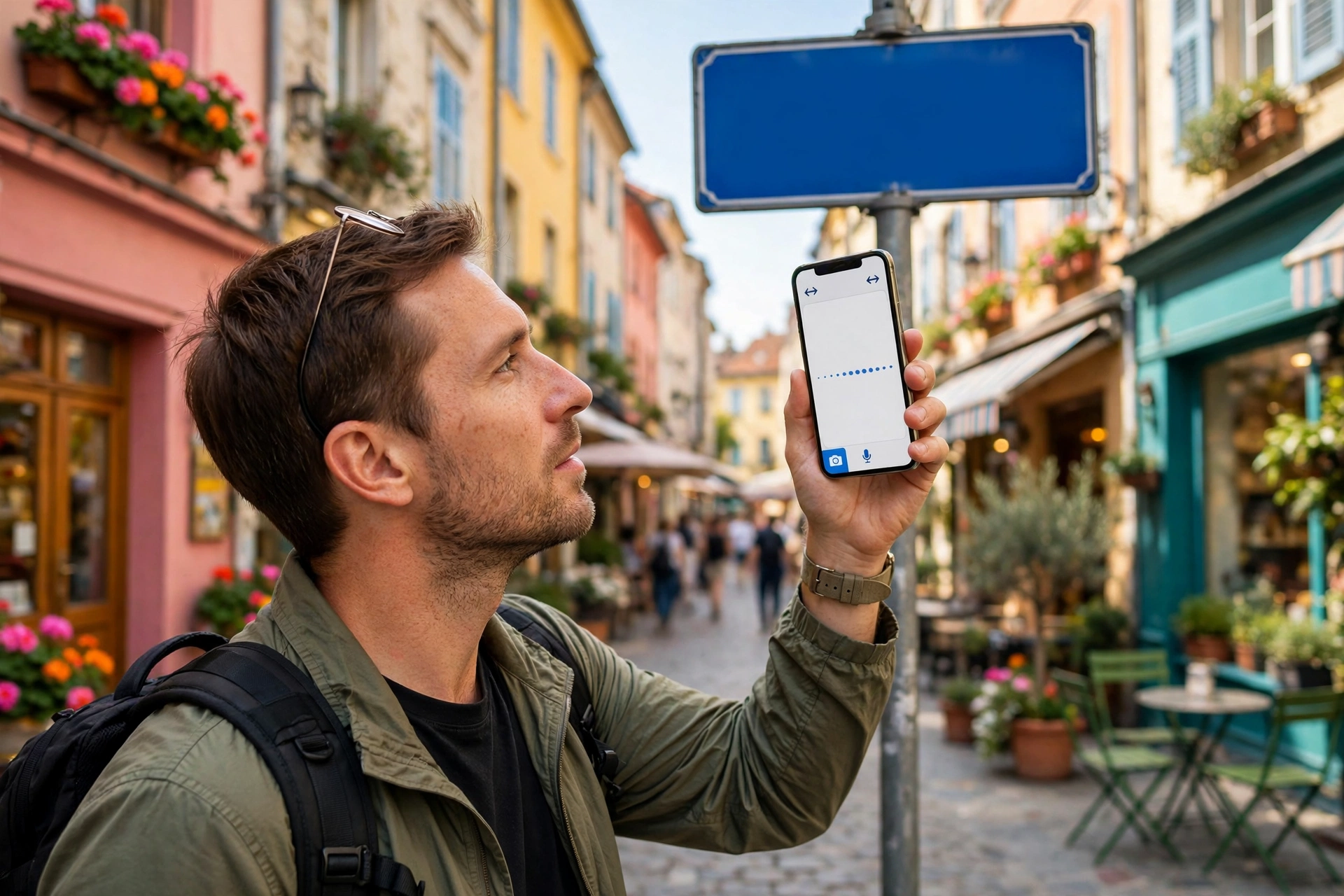
Google Translate is the most widely used translator in the world, and its strength is coverage: more than 130 languages, including many that no other tool supports well. It translates text, speech, images, and whole web pages, and its camera mode — point your phone at a sign and see the translation overlaid — still feels like magic when you use it abroad.
The quality has improved a lot with AI, and for common language pairs it is now genuinely good. It still lags behind DeepL for nuance in European languages, and it can be literal with idioms and formal writing. But for travel, quick checks, and languages other tools ignore, nothing else comes close.
Google Translate is free, and it is the best pick for travellers, students, and anyone who needs many languages rather than perfect prose. It is also built into Chrome and Android, so it is often the fastest option when you need a translation right now.
3. Microsoft Translator
Microsoft Translator is the quiet workhorse of the group. It covers many languages, integrates with Office, Teams, and Edge, and offers a conversation mode that lets two people talk in different languages in real time, each hearing the other in their own tongue.
The translation quality is solid, sitting between Google and DeepL for most pairs. Its real advantage is the Microsoft ecosystem: if your team lives in Teams and Outlook, Translator can translate meetings and emails without extra apps. It is free for personal use, and businesses get it through Azure with usage-based pricing.
Microsoft Translator suits offices and schools that already use Microsoft products. For a standalone translator, DeepL or Google will usually serve you better, but inside the Microsoft world, Translator is the natural choice.
4. ChatGPT
ChatGPT is not a dedicated translator, but it is a surprisingly good one — and in some ways a better one than the tools built for the job. Because it understands context, it can translate a joke, a poem, or a marketing slogan in a way that keeps the meaning rather than just the words. It can also explain why it chose a particular phrasing, or give you three versions at different levels of formality.
That conversational approach is the draw. You can ask it to translate a document, then ask it to make the result sound more natural, or to keep the tone friendly for a customer email. The downside is that it is slower than a dedicated translator for bulk work, and it can occasionally invent or smooth over details in long documents.
ChatGPT suits anyone who needs translations with nuance — writers, marketers, and people dealing with tricky, idiomatic text. For bulk document translation, DeepL is faster. If you are new to ChatGPT, our guide How to Use ChatGPT (A Beginner’s Step-by-Step Guide) shows how to get started.
5. iTranslate
iTranslate is built for travellers. Its app translates text, voice, and camera input in over 100 languages, and it works offline if you download the language packs — a lifesaver when you are abroad without data. The conversation mode lets you talk with someone in another language, with each person speaking into the phone in turn.
The translations are good for everyday travel needs: directions, menus, small talk, and emergencies. It is less suited to long documents or formal business writing, where DeepL or ChatGPT will do better. The free tier covers basic translation, and the paid plan adds offline mode, camera translation, and verb conjugations.
iTranslate suits travellers and anyone who needs a reliable translator on their phone. If you travel often, the offline packs alone are worth the price of the paid plan.
6. Reverso
Reverso is the translator for people who want to learn as they translate. It gives you not just a translation but real examples of the phrase in use, drawn from films, books, and official documents, so you can see how native speakers actually say it. Its grammar and conjugation tools are excellent, and its context dictionary is one of the best available.
The translation quality is strong for European languages, though its language list is shorter than Google’s or DeepL’s. The free tier is generous, and the paid plan adds unlimited translation and an ad-free experience. Reverso also has a writing assistant that checks your grammar in English, French, and other languages.
Reverso suits language learners, students, and anyone who wants to understand a translation rather than just accept it. If you are studying a language, it is the most educational tool on this list.
7. SYSTRAN
SYSTRAN is the veteran of machine translation, and it has found its niche in business and government work. It offers secure, private translation for sensitive documents, with options to run it on your own servers so nothing leaves your organisation. It also has strong tools for translating websites, manuals, and technical documents consistently.
The quality is professional and reliable, though the interface feels more corporate than consumer. SYSTRAN’s strength is control: glossaries, style guides, and translation memory that keep a company’s terminology consistent across thousands of pages. Pricing is aimed at businesses, with a free tier for trying it out.
SYSTRAN suits companies and institutions that translate sensitive or technical content at scale. For personal use, the tools above are cheaper and friendlier.
8. Papago
Papago, made by Naver, is the best translator for Korean, Japanese, and Chinese — languages where Western tools often struggle. It understands the politeness levels and context that matter in Korean and Japanese, and its translations read more naturally than Google’s for those pairs. It also handles images, voice, and whole websites.
Outside East Asian languages, Papago’s coverage is limited, so it is not a general-purpose translator. But if you work with Korean, Japanese, or Chinese — for business, study, or travel — it is the tool to beat. It is free, with a clean app that works well on the go.
Papago suits anyone dealing with East Asian languages, from K-drama fans to importers working with Korean suppliers. Pair it with a general tool like Google Translate for everything else, and you are covered.
AI Translation Tools Compared
| Tool | Best for | Free tier | Main weakness |
|---|---|---|---|
| DeepL | Natural, professional translation | Yes | Narrower language coverage |
| Google Translate | Most languages, travel | Yes, fully free | Less natural for nuance |
| Microsoft Translator | Office and Teams users | Yes | Unremarkable as a standalone tool |
| ChatGPT | Nuance, idiom, and tone | Yes | Slower for bulk work |
| iTranslate | Travel and offline use | Yes, basic | Weak for long documents |
| Reverso | Learning and context | Yes | Shorter language list |
| SYSTRAN | Secure business translation | Yes, trial | Corporate feel, business pricing |
| Papago | Korean, Japanese, Chinese | Yes, fully free | Limited outside East Asia |
DeepL wins on quality, Google wins on coverage, ChatGPT wins on nuance, and the rest win on specific languages or specific jobs. Most people need two: a quality tool for important text and a coverage tool for everything else.

How to Choose the Right Translation Tool
Start with your language pair. If you translate between English and German, French, or Spanish, DeepL will usually give you the best result. If you need Urdu, Swahili, or another language with less coverage, Google Translate is the safer bet. For Korean or Japanese, Papago deserves a test. The best translator for one pair can be mediocre for another.
Next, think about what you are translating. A business contract needs DeepL or SYSTRAN, with a human review afterwards. A menu on holiday needs Google Translate’s camera. A marketing slogan needs ChatGPT’s feel for tone. A textbook needs Reverso’s examples. Match the tool to the text, not to the brand.
Consider privacy too. Free online translators process your text on their servers, so do not paste confidential business documents, medical records, or personal letters into a free tool without checking its privacy policy. For sensitive work, a paid plan with clear data handling — or a tool like SYSTRAN that can run privately — is worth the cost. Students who translate study material can also find helpful free options in our roundup of the Best AI Tools for Students (Study Smarter, Not Harder in 2026).
Finally, never trust a machine translation for anything that truly matters without a human check. A mistranslated contract clause, a medical instruction, or a legal notice can cost real money or cause real harm. Use AI translation for speed, then have a native speaker review the result. If you want to explore more free AI helpers, our list of the Best Free AI Tools (12 Powerful Tools You Can Use Without Paying) includes several translation options.
Tips for Better Translations
Write clearly before you translate. Short sentences, simple grammar, and no slang will translate far better than long, winding prose. If your source text is messy, the translation will be messier. Clean up the original first, and the result improves in every language.
Check the result backwards. Translate it back into your own language with a different tool and see if the meaning survived. If the back-translation looks wrong, the forward translation probably is too. For important documents, have a native speaker read the final version — ten minutes of their time can save you from an embarrassing or expensive mistake.
Real-Time Translation: Talking Across Languages
Text translation is only half the story. The other half is talking to a real person in real time, and that is where AI translation has made the biggest leap. Modern phone apps can listen to someone speaking, translate the words, and speak them back in your language, all within a second or two. It is not perfect — it still stumbles on slang, accents, and background noise — but it is good enough to order food, ask for directions, or have a simple conversation with someone you share no language with.
Some earbuds and phones now do this almost invisibly, translating a conversation as it happens. Travellers use it to talk to taxi drivers and hotel staff, doctors use it to speak with patients, and businesses use it in meetings where not everyone shares a language. The experience still feels a little like science fiction: you speak English, the other person hears Spanish, and they answer in Spanish while you hear English.
The limits are worth knowing. Real-time translation works best with short, clear sentences and a quiet room. Long, complex sentences confuse it, and two people talking at once will break it. It also struggles with humour, sarcasm, and cultural references — the things that make a conversation human rather than just an exchange of information. Use it as a bridge, not a replacement for learning a few phrases yourself. A simple hello and thank you in the local language still goes further than any app.
If you travel, set the app up before you leave. Download the offline language packs, test the conversation mode with a friend, and make sure the microphone permissions are on. The worst time to discover that your translator needs an internet connection is in a taxi in a country where you have no data.

FAQ
What is the best AI translation tool in 2026?
DeepL is the best for natural, professional translations, especially in European languages. Google Translate is best for coverage and travel, and ChatGPT is best when tone and idiom matter. The right pick depends on your language pair and your text.
Is DeepL better than Google Translate?
For European languages and formal writing, yes — DeepL usually produces more natural translations. For language coverage, travel features, and languages outside Europe, Google Translate is better. Many people use both.
Can AI translation replace a human translator?
Not for important work. AI is excellent for drafts, everyday communication, and getting the gist of a text. For legal, medical, literary, or marketing translation, a human translator is still needed to catch nuance, cultural references, and errors the machine misses.
Are AI translation tools free?
Google Translate and Papago are free. DeepL, Microsoft Translator, and Reverso have generous free tiers, with paid plans for heavy use and document features. Professional tools like SYSTRAN are priced for businesses.
Which translation tool is best for travel?
Google Translate is the best all-rounder for travel, thanks to its camera mode and huge language list. iTranslate is a strong second, especially if you want offline packs. Download your languages before you fly, so the app works without data.
Conclusion
AI translation has gone from a party trick to a genuinely useful tool. DeepL leads on natural quality, Google Translate leads on coverage, ChatGPT leads on nuance, and specialists like Papago and Reverso lead in their own corners. None of them replaces a human translator for work that truly matters, but all of them make the world smaller for everyday use. One habit that helps is keeping a short list of phrases you translate often, so you can spot when a tool gets them wrong. If a translation sounds odd, try a second tool and compare the two — the difference usually shows the mistake straight away. And for anything with a contract, a medical form or a job application attached, a human translator is still worth every penny.
Pick the tool that fits your language pair and your text, write clearly before you translate, and get a native speaker to check anything important. Do that, and the language barrier gets a lot smaller — sometimes it disappears entirely.