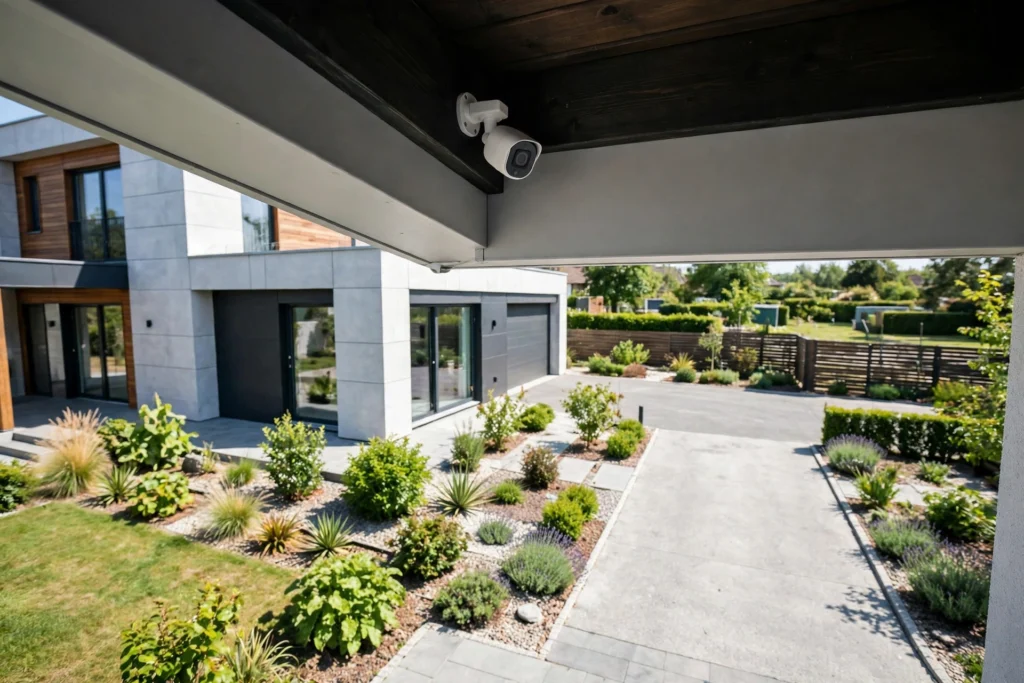

A good security camera does two jobs at once. It deters the opportunist who sees the small lens and walks on, and it gives you evidence and answers when something actually happens — which parcel went missing, what time the dog escaped, whether that noise at 2 a.m. was anything at all. In 2026 the cameras are sharper, the alerts are smarter about telling people apart from passing cats, and prices have fallen enough that a full-house setup is no longer a luxury purchase.
The hard part is choosing. Indoor and outdoor cameras are different tools, battery and wired models suit different homes, and the subscription question matters more here than with any other smart device — a camera whose clips you cannot watch without paying $10 a month is a very different purchase from one with free local storage. Add in night vision, weatherproofing, two-way talk and privacy worries, and the choice gets messy fast.
This guide compares seven of the best home security cameras in 2026, indoor and outdoor, wired and battery, subscription and subscription-free. Each pick is judged on video quality, detection smarts, storage, ease of use and the real cost over three years.
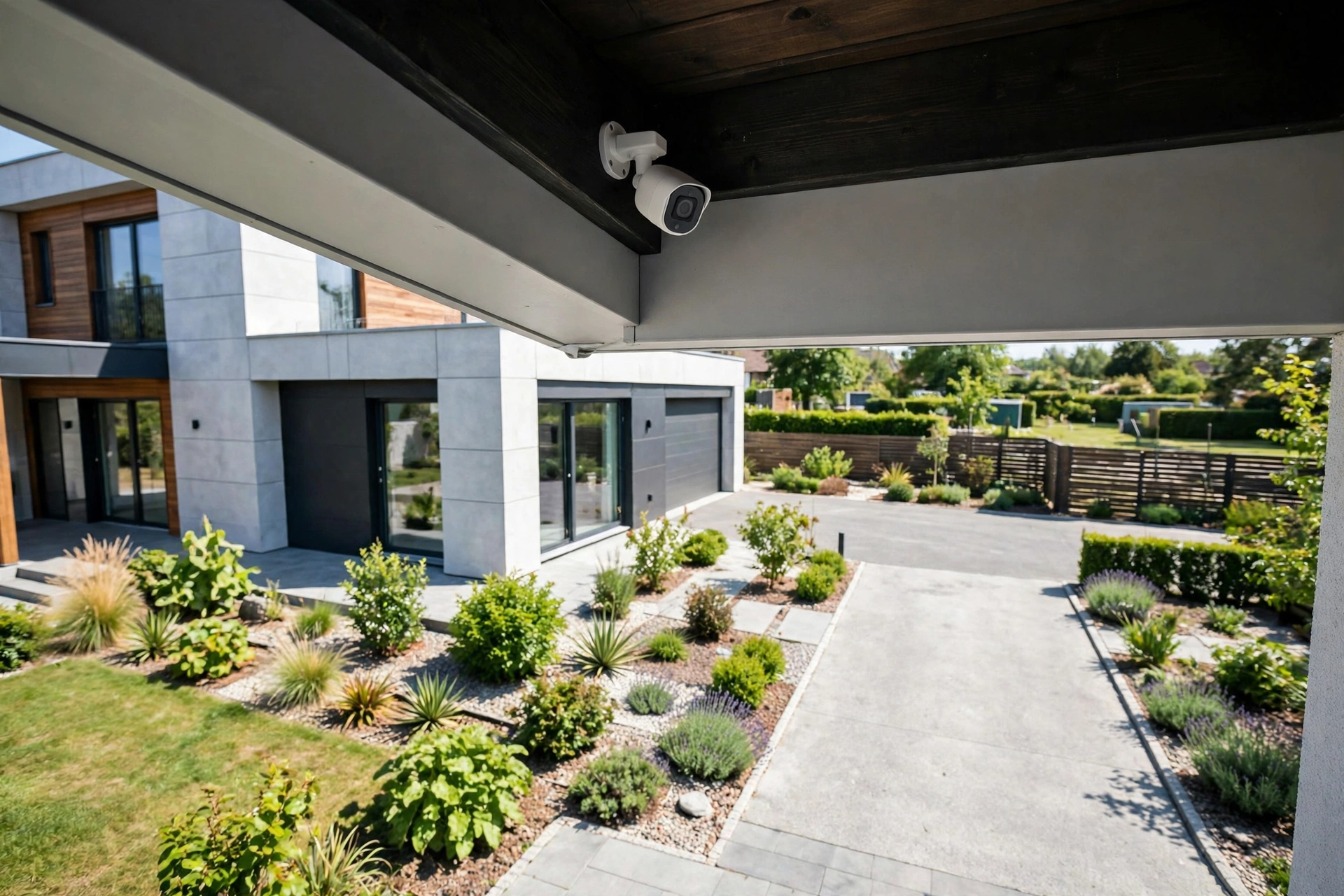
1. Arlo Pro 5S 2K
Arlo’s Pro 5S is the all-rounder that tops most shortlists. It records in 2K HDR, works indoors or outdoors, runs on a rechargeable battery or wired power, and connects over Wi-Fi or your home network. Colour night vision is genuinely useful — with a little ambient light you get colour footage at night instead of grainy black and white — and the 160-degree view covers a wide area. Dual-band Wi-Fi means it can use the faster 5 GHz band when close to the router.
The subscription is the catch. Person, package, vehicle and animal detection, plus 30 days of cloud video history, need an Arlo Secure plan. Without it you get live view and basic motion alerts only. Battery life is quoted at months but drops fast on a busy driveway. If you want the sharpest, most flexible camera and you accept the plan, the Pro 5S is the one to beat.
2. Google Nest Cam (Battery)
Google’s battery camera is the easiest to live with if your home runs on Google services. It is weatherproof, so the same camera works in the garden or the living room, and it offers free intelligent alerts — person, animal and vehicle detection with no subscription. Video is 1080p HDR with a 130-degree view, night vision is solid, and three hours of event history is free. It mounts with a magnet, so moving it between rooms takes seconds.
What you give up is resolution and continuous recording. There is no 2K option, and 24/7 recording needs a Nest Aware Plus plan and wired power. Battery life varies a lot with activity — a quiet hallway lasts months, a busy front garden much less. For a Google Home household that wants simple, good cameras with no forced subscription, this is the natural pick.
3. Eufy SoloCam S340
Eufy is the brand for people who refuse monthly fees. The SoloCam S340 stores video locally on built-in storage — no subscription, no hub, no cloud required — and still offers dual cameras, with a wide-angle lens and a 3x zoom lens that tracks a person across the garden. It is solar-powered, so the panel on top trickle-charges the battery during the day, and on-device AI tells people apart from pets and cars. Video is 2K and the night vision is strong.
Local storage has a trade-off: if the camera is stolen, the footage goes with it, and there is no free cloud backup. The camera is also larger than most rivals, and the app, while good, is not as polished as Google’s or Arlo’s. But the maths is compelling — pay once, get solar power and local storage, and never see a bill. For outdoor coverage on a budget, the S340 is the best value on this list.
4. Ring Stick Up Cam Pro
Ring’s Stick Up Cam Pro is the most flexible camera in the Ring range: battery, plug-in or solar, indoor or outdoor, tabletop or wall-mounted. It records in 1080p HDR, has colour night vision, two-way talk with noise cancellation, and a wide 150-degree view. It slots into the Ring app alongside video doorbells and alarm systems, so one app covers the whole house, and Alexa integration is excellent — ask an Echo Show to show the garden camera and it appears in seconds.
As with every Ring camera, video history needs a Ring Protect plan. Without it you get live view and notifications only. The camera is also a little bulky, and 1080p is now a step behind the 2K rivals. But if you already own a Ring doorbell, adding Stick Up Cams is the simplest way to extend coverage, and the mounting flexibility means it fits places other cameras cannot.
5. Wyze Cam v4
The Wyze Cam v4 is proof that a good security camera does not need to cost much. For a fraction of the price of the big brands you get 2.5K video, colour night vision, a built-in spotlight, a siren and two-way talk. It works indoors or outdoors with a weatherproof kit, it supports local storage on a microSD card, and it connects to Alexa and Google Home. For a nursery, a garage or a hallway, it is almost absurdly good value.
The low price comes with compromises. Person detection and cloud clips need a Cam Plus subscription, the app is busy rather than elegant, and the camera needs a power socket — there is no battery version. Wyze has also changed its free cloud features over the years, so buy it for the local storage and live view, and treat anything free in the cloud as a bonus. As a first camera, or a second camera for a room you almost forgot about, it is unbeatable value.
6. Reolink Argus 4 Pro
Reolink is the favourite of camera enthusiasts, and the Argus 4 Pro shows why. It records in 4K, has a 180-degree blind-spot-free view from dual lenses, colour night vision, and a solar panel option that keeps the battery topped up. Video can be stored locally on a microSD card or on a Reolink home hub, with no subscription at all, and the app gives you fine control over detection zones, sensitivity and recording schedules. It also supports RTSP for people who run their own home server.
The trade-off is polish. Setup takes longer than a Nest or Ring camera, the app expects you to know what a detection zone is, and there is no deep integration with Alexa or Google routines beyond basic viewing. This is a camera for people who want maximum image quality and zero subscription, and who do not mind spending twenty minutes setting it up properly.
7. Blink Outdoor 4
Blink’s Outdoor 4 is the cheapest sensible outdoor camera you can buy, and its party trick is battery life: up to two years on two AA lithium batteries. It records in 1080p, is weatherproof, has infrared night vision and two-way talk, and works with Alexa. For a shed, a back gate or a holiday home where you visit twice a year, a camera that runs for two years without attention is exactly what you want.
Expect basic performance for the price. The field of view is narrower than premium cameras, night vision is decent rather than great, and motion detection can be slower. Cloud clips need a Blink subscription after the trial, though local storage works with a Sync Module and USB drive. Buy Blink for the places where a premium camera would be overkill — and there are more of those places in most homes than people admit.
| Camera | Video | Power | Subscription needed? | Best for |
|---|---|---|---|---|
| Arlo Pro 5S 2K | 2K HDR | Battery or wired | Yes, for history | Best all-rounder |
| Google Nest Cam | 1080p HDR | Battery or wired | No, basic alerts free | Google homes |
| Eufy SoloCam S340 | 2K | Solar + battery | No, local storage | No monthly fee |
| Ring Stick Up Cam Pro | 1080p HDR | Battery, plug or solar | Yes, for history | Ring households |
| Wyze Cam v4 | 2.5K | Plug-in | Optional | Budget indoor |
| Reolink Argus 4 Pro | 4K | Solar + battery | No, local storage | Image quality |
| Blink Outdoor 4 | 1080p | AA batteries | Optional | Long battery life |

How to Choose the Best Home Security Camera
Start by deciding what you are watching. An indoor camera is for checking on kids, pets and elderly relatives — it needs good two-way talk and a discreet design. An outdoor camera is for deterring and recording — it needs weatherproofing, strong night vision and a wide view. A door camera is for parcels and visitors, and a video doorbell usually does that job better than a camera. Buy the right type for each spot rather than one camera for everywhere.
Then do the subscription maths. Add up the three-year cost of the camera plus its plan, and compare it with a subscription-free rival. A $50 camera with a $10 monthly plan costs $410 over three years; a $150 camera with local storage costs $150. Sometimes the plan is worth it — cloud backup protects your footage if a camera is stolen — but you should choose it knowingly, not discover it after install.
Placement matters as much as the camera. Mount outdoor cameras 2.5 to 3 metres high, angled down, so they see faces rather than the tops of heads. Avoid pointing a camera directly at the sun or a bright light, which washes out the image. Keep cameras out of easy reach where possible, and test the Wi-Fi signal at each mounting point before you drill — a camera with a weak signal will miss the moment that matters. For the front door specifically, a video doorbell often does the job better than a camera — see Internet of Things Examples (12 Smart Devices Already Around You) for how doorbells fit into the wider connected home.
Privacy deserves a real thought, not an afterthought. Cameras inside bedrooms and bathrooms are a bad idea for most households, and a camera that films a neighbour’s garden or a shared hallway can create legal and social problems. Use privacy zones to black out areas you should not record, tell everyone in the household where cameras are, and secure the account with a strong password and two-factor authentication. Our How to Protect Your Online Privacy (A Beginner’s Step-by-Step Guide) covers the account security basics, and if you are new to the whole connected-home idea, Smart Home Technology for Beginners (What It Is and Where to Start) explains how cameras fit alongside lights, locks and speakers.
Common Mistakes to Avoid
The biggest mistake is buying cameras before fixing Wi-Fi. A camera on a weak signal will miss motion events, deliver clips late, and drain its battery retrying uploads. Test the signal at each mounting point with your phone before you drill a single hole — and if the garden camera shows one bar, add a mesh node or move the camera closer to the house. No camera, however expensive, can beat a bad connection.
The second mistake is pointing cameras at the wrong thing. A camera aimed at the street records every passing car and fills your storage with nothing, while the side gate nobody watches stays unwatched. Cover entry points first — front door, back door, side access — and use activity zones to ignore the road. And mount them high enough that a person cannot simply reach up and turn them away, but low enough that the lens sees faces rather than hats.
The third mistake is ignoring storage until you need it. Check on day one that clips are actually being recorded and that you can play them back from your phone. A camera that was never set up to store footage is a decoration, and people usually discover that the night something happens. Set a monthly reminder to check one clip from each camera — it takes two minutes and it is the only way to know the system works.
FAQ
Do security cameras work without Wi-Fi?
Most cameras need Wi-Fi for alerts, live viewing and cloud storage, but many keep recording to a local memory card during an outage and upload the clips when the connection returns. Fully offline cameras exist but are rare and usually part of a wired CCTV system. If your Wi-Fi is unreliable, a camera with local storage is the safer choice.
How long do security camera recordings last?
It depends on storage. Cloud plans typically keep clips for 30 to 60 days, while a 128 GB memory card in a camera recording only on motion can hold weeks of events. Continuous recording fills storage far faster — a 4K camera can fill a 128 GB card in a few days. Motion-only recording is the practical choice for most homes.
Can security cameras be hacked?
Any internet-connected camera can be attacked, but the risk is small if you follow the basics: a strong unique password, two-factor authentication switched on, firmware kept updated, and no port forwarding or default passwords. Cameras from major brands with regular security updates are far safer than no-name cameras with unknown software.
Do I need a subscription for a security camera?
Not always. Eufy, Reolink and Blink (with a Sync Module) offer local storage with no monthly fee, and Google gives free intelligent alerts and three hours of event history. Subscriptions buy cloud backup, longer history and smarter detection — worth it for some homes, unnecessary for others. Check exactly which features need the plan before you buy.
Where should I place outdoor security cameras?
Cover the front door, the back door and any side access first — most break-ins use a door, not a window. Mount cameras 2.5 to 3 metres high, angled down toward the approach path, and add a camera over the driveway or garage if you have one. Avoid pointing cameras at neighbours’ windows or gardens, and use activity zones so passing traffic does not trigger constant alerts.
Conclusion
The best home security camera in 2026 is the one that matches your home and your tolerance for subscriptions. Arlo Pro 5S is the most capable all-rounder, Nest Cam is the simplest for Google households, and Reolink Argus 4 Pro has the sharpest picture. But for most people the smart money is on Eufy or Wyze: local storage, no forced monthly fee, and image quality that is more than good enough to identify a person at the door. Place the camera where it sees faces, not the tops of heads — a camera mounted too high films hats and hoods and misses the details that matter. Test the night view before you trust it, because a camera that is brilliant at noon can be useless at midnight when you actually need it. And check the recording limit on your plan, since a camera that only keeps a day of footage is no help when you discover a problem on Monday that happened on Friday.
Whatever you buy, remember that the camera is only part of the system. Good placement, a strong Wi-Fi signal, a secure account and honest subscription maths matter more than the difference between 1080p and 2K. Get those right, and a handful of cameras will quietly watch over your home for years — and let you check in from anywhere, any time, with real peace of mind.