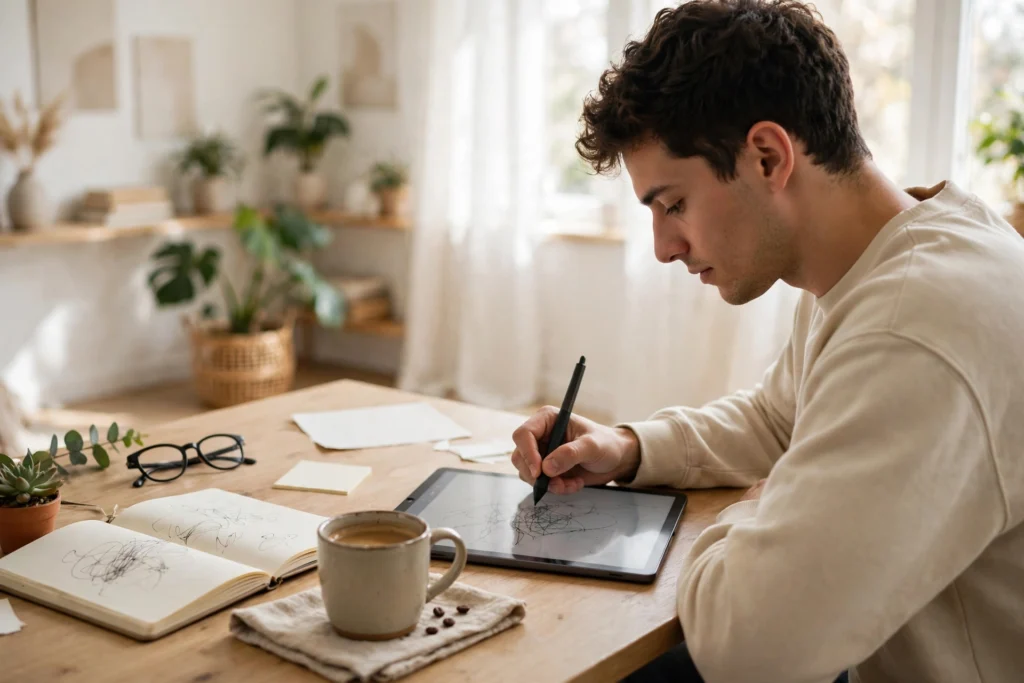

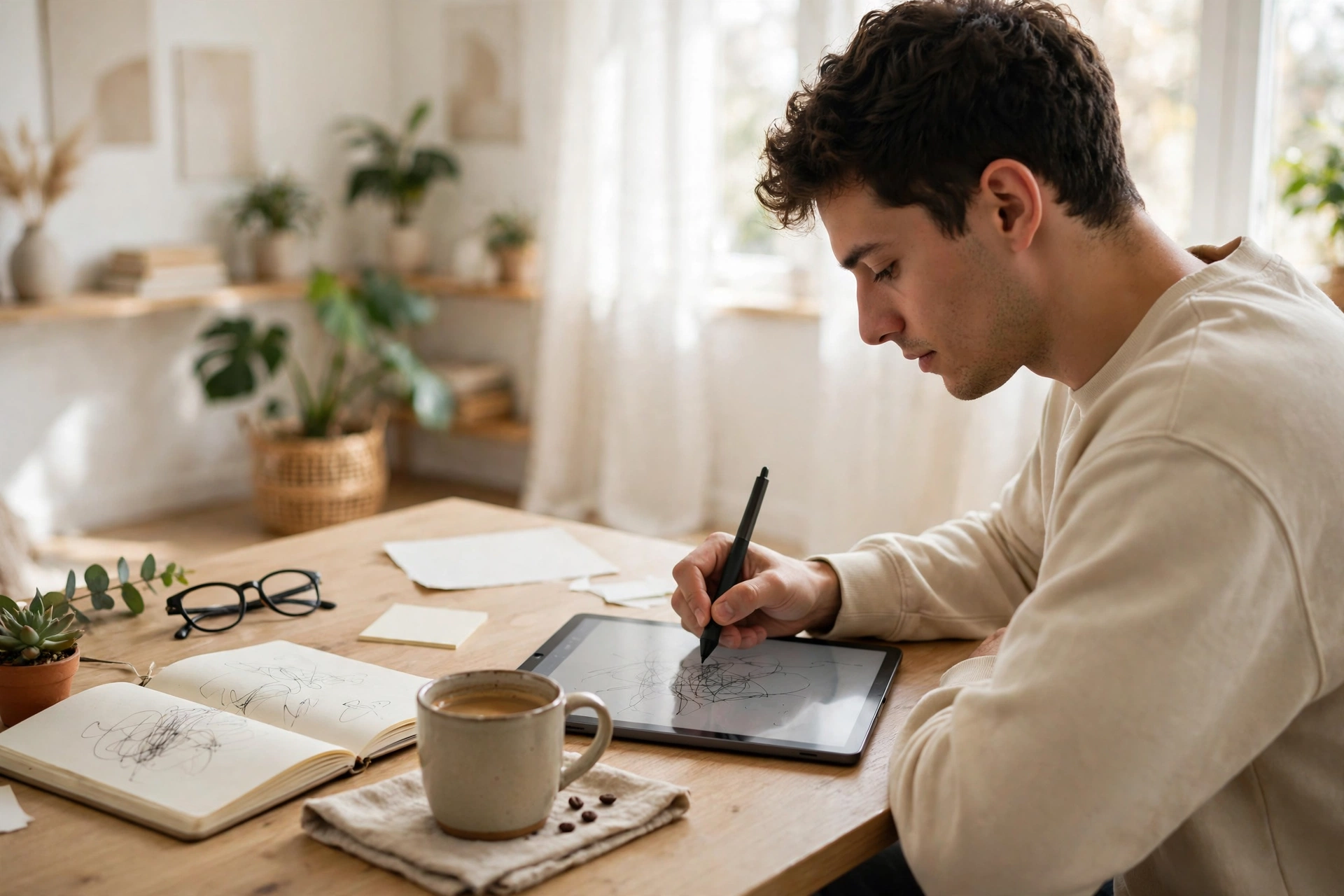
An iPad with an Apple Pencil is the closest thing to paper that still lets you search your notes, and the app you choose decides whether that promise holds. The right note app makes handwriting feel natural, keeps your notebooks organised, and lets you find a note from three months ago in seconds. The wrong one turns your iPad into an expensive sketchbook with no index.
In 2026 the choice is better than ever. The big two — GoodNotes and Notability — have both matured into serious tools, Apple Notes has quietly become genuinely good, and a handful of smaller apps offer clever tricks like handwriting-to-text conversion and infinite canvases. Prices range from free to a yearly subscription, and the differences that matter are in the details: palm rejection, search, organisation and how your notes leave the app.
We tested seven of the best note apps for iPad in 2026, judging them on writing feel, organisation, search, PDF annotation, syncing and price. Whether you take lecture notes, plan projects or sketch ideas, one of these will fit how you think.
1. GoodNotes 6
GoodNotes is the most popular note app on iPad for a reason. Writing with the Apple Pencil feels smooth and natural, with excellent palm rejection and a choice of pen styles, colours and paper templates — lined, dotted, grid, Cornell, planners and more. Folders and notebooks keep everything organised, handwriting search actually works, and the AI features can summarise your notes or help you study. It syncs through iCloud and works across iPad, iPhone and Mac.
The full version needs a subscription or a one-time purchase, and the sheer number of options can overwhelm a new user. But for students and professionals who live in their notes, GoodNotes is the most complete package: beautiful to write in, easy to organise, and powerful enough to replace a stack of paper notebooks entirely.
2. Notability
Notability is GoodNotes’ great rival, and it wins on one thing above all: audio. Record a lecture while you write, and tapping any word in your notes jumps the recording to the exact moment you wrote it. For students, that feature alone is worth the price. Writing feels fluid, the zoom window makes neat handwriting easy on a small screen, and multi-note view lets you keep two notebooks open side by side.
Notability moved to a subscription model, which annoyed long-time users, and its organisation — subjects and dividers — is less flexible than GoodNotes’ folders. But if you learn from lectures, interviews or meetings, the audio sync is unmatched, and the app’s simplicity makes it the easiest of the big apps to pick up and start using well.
3. Apple Notes
Apple Notes is free, built in, and far better than most people realise. It supports handwriting with the Apple Pencil, searchable handwritten notes, sketching, checklists, tables, document scanning, locked notes and shared folders for collaboration. It syncs instantly through iCloud to your iPhone and Mac, and recent versions added linked notes and better PDF handling. For many people, it is already everything they need.
What it lacks is depth: no paper templates beyond the basics, no audio recording linked to notes, no planner community, and limited export options. Organisation is folders and tags, which is fine until your note collection grows large. But it costs nothing, it is always there, and it keeps getting better — try it properly for a week before paying for anything else.
4. Nebo
Nebo is the app for people who want their handwriting turned into text. Its handwriting recognition is the best on iPad: write a paragraph, double-tap, and it becomes typed text you can copy into an email or a document. It handles diagrams too, converting hand-drawn shapes into clean geometry, and it supports maths — write an equation and Nebo solves it. It works on iPad, iPhone, Android and Windows.
Nebo is less of a notebook organiser than GoodNotes — there are no fancy templates or planner communities — and the interface is plainer. But if your workflow is “write by hand, then use the text somewhere else”, Nebo is the only app that does the conversion brilliantly. Students who write essays from handwritten drafts and professionals who turn meeting notes into reports will get the most from it.
5. CollaNote
CollaNote is the surprise of this list: a free app that does almost everything the paid apps do. Handwriting, PDF annotation, recording, planners, stickers, collaboration in real time — all free, with no subscription. The writing feel is genuinely good, the template library is generous, and real-time collaboration lets two people write on the same page at once, which is rare even among paid apps.
Free comes with questions. CollaNote is made by a small team, updates are less frequent than GoodNotes’, and long-term reliability is less proven. Sync and backup options are more limited, so keep your own backups. But as a free starting point — or for a student on a tight budget — CollaNote is remarkable value, and it embarrasses apps that charge for less.
6. Noteshelf 3
Noteshelf is the beautiful one. Its notebooks look like real paper journals, the shelf view is satisfying, and the writing experience is smooth and responsive. It supports audio recording, handwriting search, PDF annotation, templates and widgets, and it syncs across iPad, iPhone, Android and Windows. The one-time purchase model — pay once, own it — appeals to people tired of subscriptions.
It is less powerful than GoodNotes for deep organisation, and the community of templates and stickers is smaller. But for journaling, planning and everyday notes, Noteshelf’s calm, attractive design makes you want to open it — and an app you enjoy opening is an app you will actually use.
7. ZoomNotes
ZoomNotes is the power tool for visual thinkers. Its infinite canvas lets you zoom from a whole project map down to a single detail, and it supports handwriting, typing, sketching, audio, video, PDF annotation and even sub-pages inside pages. It is the app for mind maps, storyboards, engineering sketches and any note that does not fit on a single sheet of paper.
The interface is dense and takes time to learn — this is not the app to hand to a technophobe. It also costs a one-time purchase with paid upgrades for major versions. But if your notes are diagrams, maps and big-picture thinking rather than neat lined pages, ZoomNotes does things no other app on this list can do.
| App | Price | Handwriting to text | Audio recording | Best for |
|---|---|---|---|---|
| GoodNotes 6 | Paid (sub or one-time) | Yes | Yes | Most people |
| Notability | Paid subscription | Yes | Yes, synced | Lectures |
| Apple Notes | Free | Search only | No | Free, simple |
| Nebo | Paid (one-time) | Best in class | No | Handwriting to text |
| CollaNote | Free | Yes | Yes | Free, collaboration |
| Noteshelf 3 | Paid (one-time) | Yes | Yes | Journaling, planners |
| ZoomNotes | Paid (one-time) | Yes | Yes | Visual, big canvas |
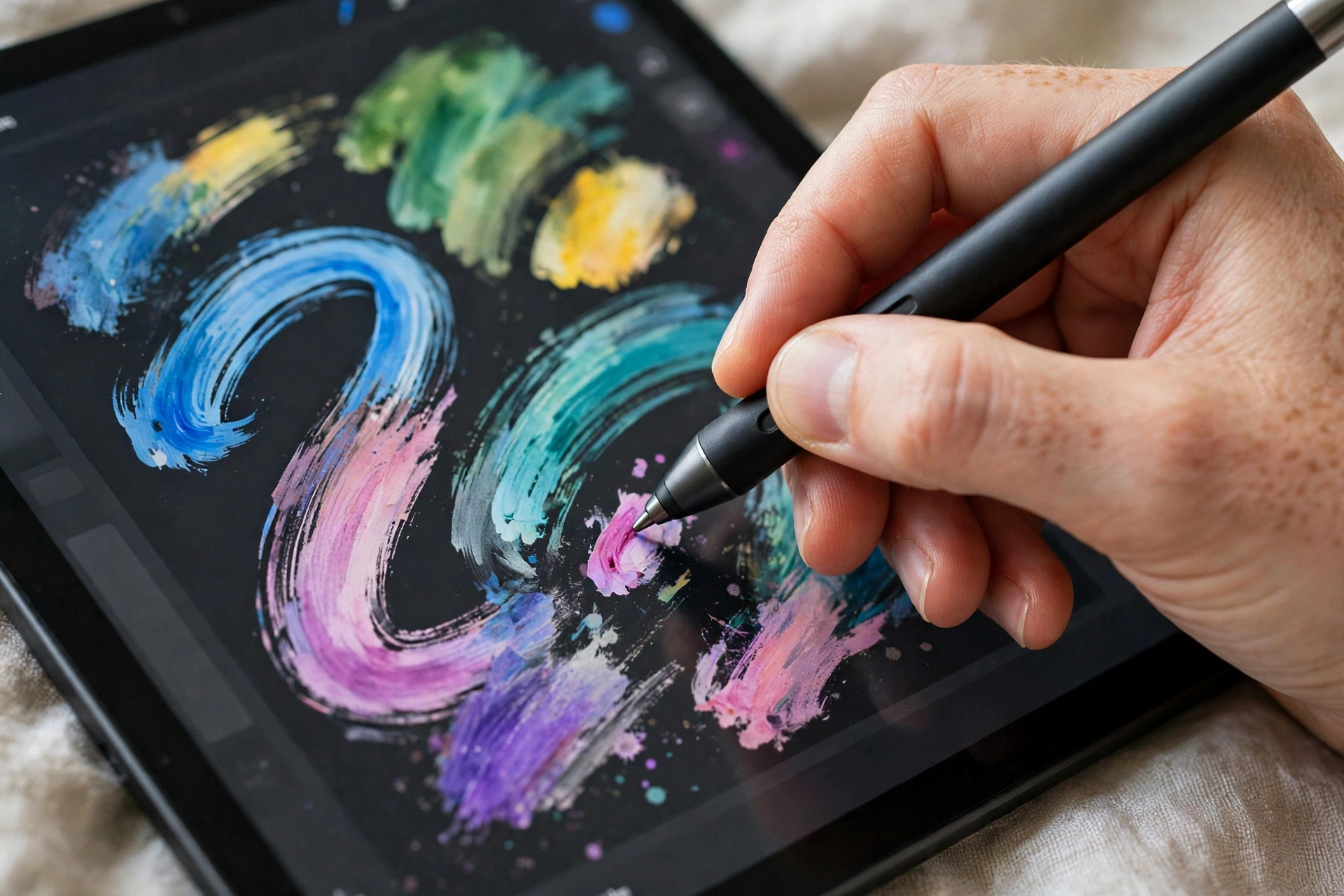
How to Choose the Best Note App for iPad
Start with how you take notes. If you write lectures by hand and want to find them later, GoodNotes or Notability are the safe picks. If you want your handwriting converted to typed text, Nebo is the answer. If you sketch, map and think visually, ZoomNotes is built for you. And if you just want a reliable place for quick notes, Apple Notes is already on your iPad and costs nothing.
Next, check the practical things: does it sync to your other devices, can you export your notes as PDF, and what happens if you stop paying? A subscription app that locks your notes behind a paywall is a risk — prefer apps with good PDF export, so your notes are always yours. Also consider your Pencil: the app should support pressure sensitivity and palm rejection well, and the best way to know is to try the free version or trial and write a full page.
Think about who else reads your notes. Students sharing lecture notes, teams marking up PDFs, families sharing a shopping list — collaboration features vary widely, and CollaNote’s free real-time collaboration is a genuine standout. For the rest of your study setup, our Best AI Tools for Students (Study Smarter, Not Harder in 2026) covers the study helpers that pair well with a good note app, and Best Note Taking Apps (9 Apps to Organise Your Ideas in 2026) covers the typed-notes side for your phone and laptop. Whatever you choose, keep those precious notes backed up — see How to Back Up Your Computer (A Simple Step-by-Step Guide).
Common Mistakes to Avoid
The first mistake is buying the app before trying the free one. Apple Notes and CollaNote cost nothing, and for many people they are enough — yet every September a new wave of students pays for GoodNotes or Notability on the first day of term, before writing a single note. Spend a week with a free app first. You will learn what you actually miss, and the paid app you eventually choose will be the right one instead of the popular one.
The second mistake is never backing up. iPad notes feel permanent until they are not — an app crashes, a sync goes wrong, a subscription lapses and the export button disappears. Export your notebooks as PDF at the end of every term or project, and store the exports somewhere safe. A PDF of your notes is readable on any device, forever, even if the app itself disappears one day. Treat it like insurance: boring, cheap, and priceless the day you need it.
The third mistake is the beautiful notebook nobody can search. Colourful templates, stickers and washi tape are fun, but if your notes have no titles, no folders and no tags, finding a note from last month means scrolling through a hundred pages. Name every notebook clearly, use the search feature, and spend five minutes at the end of each week tidying up — moving loose pages into folders and renaming anything called “Untitled”. Future you, cramming before an exam or hunting for a meeting note, will be grateful.
Getting the Most From Your iPad Notes
A few habits turn a good note app into a great system. Use the same paper template for the same kind of note — lined for lectures, dotted for sketches, a planner for the week — so your notes are easy to scan later. Learn the gestures: most apps let you copy, paste, resize and move handwriting as if it were typed text, which means a messy page can be rearranged in seconds instead of rewritten. And use layers of organisation — a folder per subject, a notebook per course, a page per lecture — rather than one endless notebook that holds everything.
Audio is the feature most students underuse. If your app records, turn it on for every lecture and every important meeting, even if you never listen back — the recording is a safety net for the day your handwriting fails you. And do not forget that your notes can leave the app: share a page as a PDF with a classmate, print a revision sheet, or copy a diagram into a report. Notes that stay trapped in one app help only you; notes you can share help everyone around you too. Finally, keep the Pencil charged and carry a spare tip — a dead Pencil in the middle of a lecture is a small disaster that is entirely avoidable.
FAQ
What is the best free note app for iPad?
Apple Notes is the best free note app for most iPad users — it handles handwriting, sketching, scanning and syncing with no cost at all. CollaNote is the best free alternative if you want planners, PDF annotation and real-time collaboration. Try both before paying for GoodNotes or Notability.
Is GoodNotes or Notability better?
GoodNotes is better for organisation and long-term note collections, thanks to its folders, search and templates. Notability is better for lectures, thanks to audio recording synced to your handwriting. Most students are happy with either — pick GoodNotes if you keep years of notes, Notability if you record classes.
Can iPad note apps convert handwriting to text?
Yes. Nebo has the best conversion, turning handwritten paragraphs into editable text. GoodNotes, Notability, Noteshelf and ZoomNotes also offer it, and Apple Notes can search your handwriting even if it does not convert it. Conversion accuracy is very good for neat handwriting and weaker for rushed scrawl.
Do I need an Apple Pencil for these apps?
For handwriting, yes — a finger works, but it is slow and tiring. Apple Pencil (either generation, depending on your iPad) is the tool these apps are designed around. For typed notes, sketches with a stylus, or PDF reading, you can manage without one, but the handwriting experience is the point of most of these apps.
How do I keep my iPad notes backed up?
Use the app’s cloud sync — iCloud for GoodNotes and Apple Notes, or the app’s own sync — and also export important notebooks as PDF regularly. A PDF export is your safety net: even if you switch apps or stop paying, your notes survive as files you can open anywhere.
Conclusion
The best note app for iPad in 2026 depends on how you think. GoodNotes is the best all-rounder, Notability wins for lectures, Apple Notes is the free default that is better than its reputation, Nebo converts handwriting to text better than anything else, CollaNote is the free surprise, Noteshelf is the prettiest journal, and ZoomNotes is the canvas for visual thinkers. The best test is a real lecture: take notes for a full hour and see whether the app keeps up with you or slows you down. Handwriting recognition matters too — an app that turns your scribbles into searchable text is worth more than a prettier one that leaves your notes as pictures. And back your notes up somewhere besides the iPad, because a lost or broken tablet should never mean a lost semester of work.
Start free: spend a week with Apple Notes or CollaNote and see what you miss. If you miss organisation and templates, try GoodNotes. If you miss audio, try Notability. The right app is the one that makes you reach for the iPad instead of a paper notebook — and once that happens, your notes stop getting lost and start working for you. Whichever app you pick, write in it every day for a fortnight; that is how a new tool becomes a habit, and how a habit becomes a reliable system you can trust for years to come. Give it that fortnight before you judge it, and you will know for certain whether it fits the way you think.
One last piece of advice: the app is only half the system — the other half is the habit of reviewing your notes. Spend ten minutes every Sunday opening the week’s notes, adding titles where they are missing, and moving anything important into the right folder. That tiny weekly habit is what separates people whose iPad is a filing cabinet from people whose iPad is a junk drawer, and it costs less time than one scroll through social media. Your notes are the record of what you learned, decided and promised — treat them as something worth keeping, and the right app will reward you every time you need to find something fast. Start with the free apps, learn what you truly need, and let your notes grow with you.