
Virtual reality has grown up. The headsets of 2026 are lighter, sharper, and easier to use than the bulky rigs of a few years ago, and you no longer need a powerful gaming PC to enjoy them — the best standalone headsets run entirely on their own. The best VR headsets in 2026 cover gaming, fitness, and even work, and there is now a good option at almost every budget.
This list includes the standalone headset most people should buy, a premium mixed-reality pick, a PC VR headset for the sharpest graphics, a fitness-focused option, and a budget entry point for anyone curious about VR. Every headset here was picked for comfort, ease of setup, and the quality of its game and app library — because a headset with nothing to play is just an expensive blindfold.
One honest note before you buy: VR is not for everyone. Some people feel motion sick in fast-moving games, and the fix is usually to start with slow, stationary experiences and build up over days. If you can, try a headset in a shop or at a friend’s house before you spend serious money.
1. Meta Quest 3S
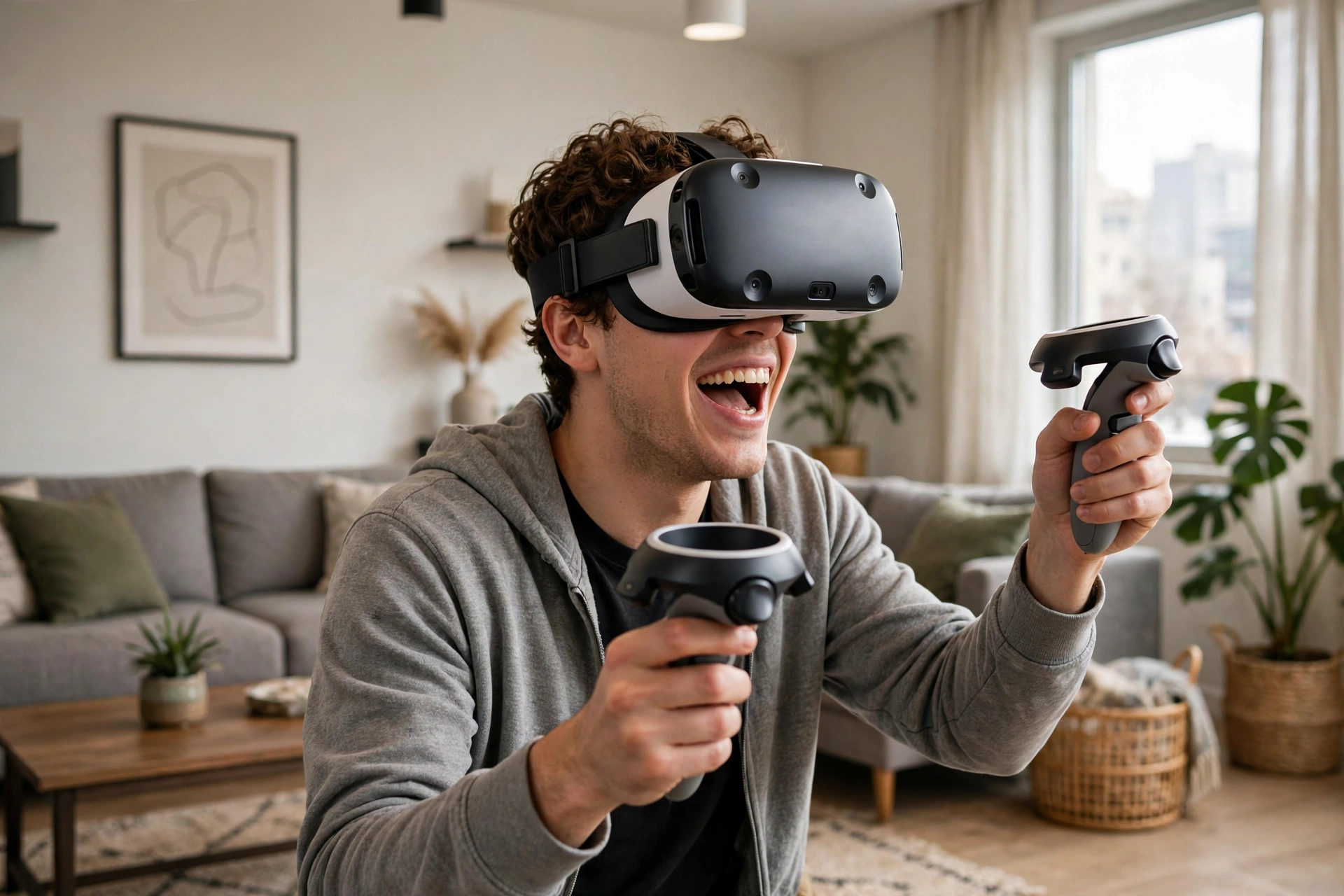
The Meta Quest 3S is the best VR headset for most people, and it is the cheapest way into proper standalone VR. It runs entirely on its own — no PC, no console, no wires — and the game library is the biggest in VR, with everything from Beat Saber and Supernatural to Resident Evil and virtual escape rooms. Setup takes about ten minutes, and the controllers track your hands accurately in a room-scale space.
The lenses are the older Fresnel type rather than the sharper pancake lenses of the Quest 3, so the image is a little softer at the edges, but in the middle of your view it is clear and bright. Battery lasts around two to three hours, which is enough for a good session, and the headset is light enough to wear comfortably. It also handles mixed reality, letting you see your room through the cameras while virtual objects sit on your real furniture. If you are buying your first VR headset, start here — it gives you the most fun for the least money.
2. Meta Quest 3
The Meta Quest 3 is the step up from the 3S, and the difference is visible the moment you put it on. Pancake lenses and a higher-resolution display make text sharp enough to read comfortably and games look noticeably crisper, with a wider sweet spot that forgives the headset slipping slightly on your face. It is also slimmer and a little lighter, which matters over a long session.
Everything else is familiar from the 3S: the same huge game library, the same accurate controllers, the same standalone freedom. The mixed reality is better too, with full-colour passthrough that is sharp enough to read your phone or find your coffee without taking the headset off. Battery life is similar, around two to three hours. It costs more than the 3S, and the question is whether the sharper image is worth the extra money to you. If you plan to use VR for work, reading, or long gaming sessions, the answer is usually yes.
3. PlayStation VR2
The PlayStation VR2 is the headset for PlayStation 5 owners, and it delivers the most cinematic console VR experience you can buy. The OLED display shows deep blacks and vivid colours that LCD headsets cannot match, eye tracking lets you aim and select things just by looking, and the headset’s haptics let you feel a rush of wind or a nearby explosion. Games like Horizon Call of the Mountain and Gran Turismo 7 in VR are genuinely breathtaking.
It connects to the PS5 with a single cable, which is simple but means you are tethered to the console. The setup is quick, the controllers are comfortable, and the game library is smaller than the Quest’s but packed with high-quality exclusives. It does not work as a standalone headset, so it only makes sense if you already own a PS5. If you do, the PS VR2 turns your console into the best VR machine in the living room.
4. Valve Index
The Valve Index is the PC VR veteran, and it is still the headset serious VR gamers compare everything else to. The 144Hz refresh rate makes movement feel buttery smooth, the field of view is wider than most rivals, and the finger-tracking controllers let you pick things up, point, and wave with natural hand movements. For sim racing, flight sims, and Half-Life: Alyx, it remains a superb experience.
It needs a powerful gaming PC and base stations mounted in your room, so setup is a project rather than a ten-minute job, and the headset is showing its age — the resolution is lower than newer headsets and the cable tethers you to the PC. It is also the most expensive pick on this list once you add the PC. But for enthusiasts who want the best tracking and the smoothest motion in VR, the Index still sets the standard. Check that your PC meets the requirements before you buy.
5. Apple Vision Pro
The Apple Vision Pro is less a VR headset and more a spatial computer — a device for work, films, and mixed reality rather than games. Its micro-OLED displays are the sharpest on any headset, with text so clear you can work in virtual windows all day, and the eye-and-hand tracking lets you control everything by looking and pinching, with no controllers at all. Watching a film on a virtual 100-inch screen on a plane is the kind of experience that sells the idea in minutes.
The price is the obvious barrier: it costs several times more than a Quest 3, and the battery lasts around two hours on the external pack. The app library is still growing, and the game selection is thin compared with the Quest. But for professionals who want a portable multi-monitor workspace, or film lovers who want a private cinema, nothing else comes close. This is the future of mixed reality, priced for early adopters.
6. Pico 4 Ultra
The Pico 4 Ultra is the dark horse of this list: a standalone headset with pancake lenses, a sharp display, and full-colour mixed reality, at a price that undercuts the Quest 3. It is light and comfortable, the controllers track well, and the Snapdragon chip handles games and fitness apps smoothly. For buyers outside the Meta ecosystem, it is a genuine alternative.
The catch is the library. Pico’s store has grown, but it is still smaller than Meta’s, and some popular Quest games are missing. The social and fitness apps are solid, though, and the headset works well for workouts and media. If you want a sharp standalone headset and you are not tied to Meta’s games, the Pico 4 Ultra gives you premium hardware for less money. Check which of your must-have apps are available on Pico’s store before you commit.
Quick Comparison
| Headset | Type | Display | Best for |
|---|---|---|---|
| Meta Quest 3S | Standalone | LCD, Fresnel lenses | First VR headset |
| Meta Quest 3 | Standalone | LCD, pancake lenses | Best all-round VR |
| PlayStation VR2 | Console, PS5 | OLED | PS5 owners |
| Valve Index | PC VR | LCD, 144Hz | Serious PC gamers |
| Apple Vision Pro | Standalone, mixed reality | Micro-OLED | Work and films |
| Pico 4 Ultra | Standalone | LCD, pancake lenses | Value standalone |
How to Choose a VR Headset
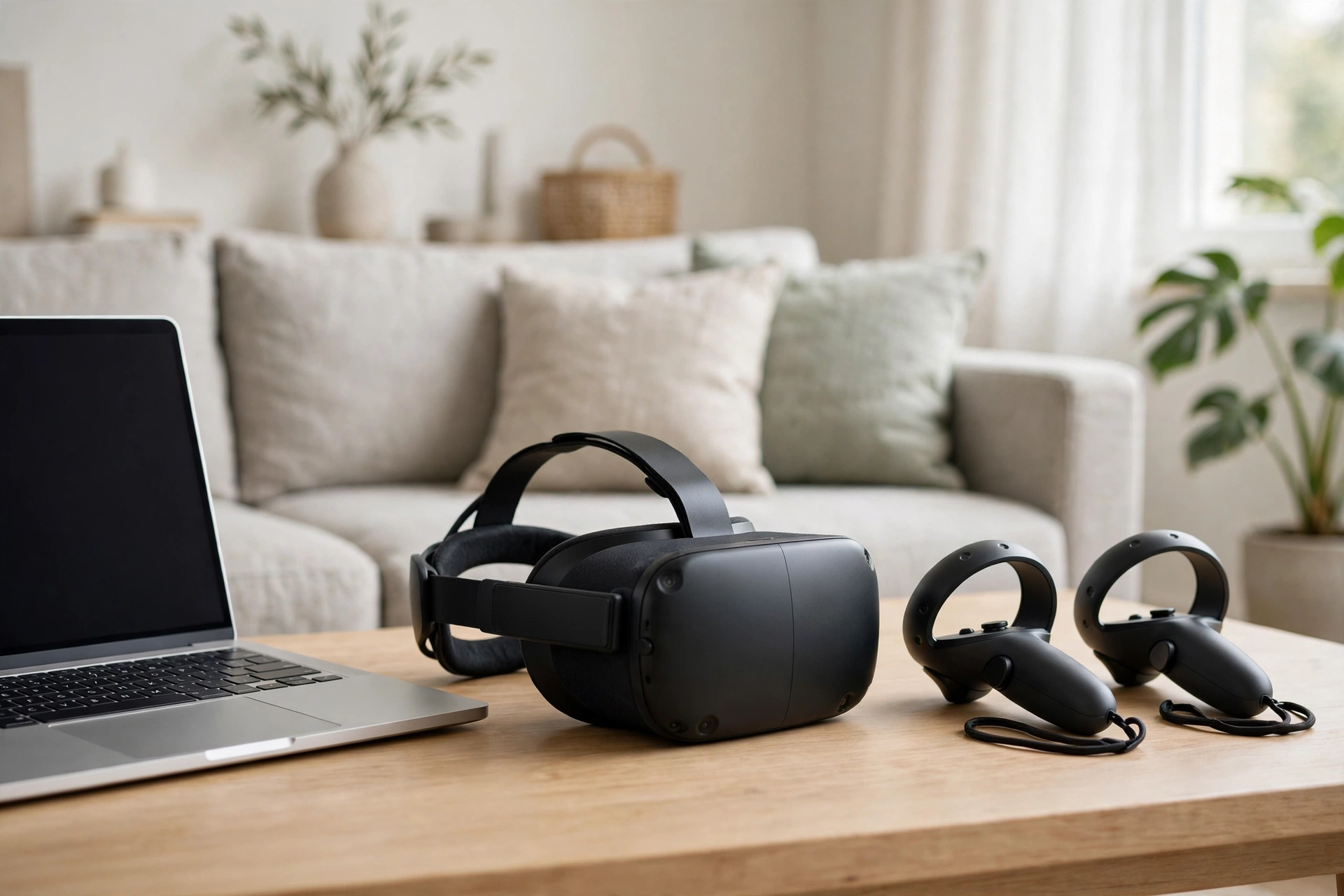
Start with what you already own. A PS5 owner should buy the PlayStation VR2. A powerful gaming PC owner should look at the Valve Index. Everyone else should look at standalone headsets, because they need nothing else — the Quest 3S and Quest 3 are the obvious picks, with the Pico 4 Ultra as the alternative for anyone who prefers to stay outside Meta’s ecosystem.
Then think about comfort and content. A headset that hurts after twenty minutes will gather dust, so check the weight, the strap, and whether glasses fit comfortably — the Quest 3 and Pico 4 Ultra both handle glasses better than most. The game library matters just as much as the hardware: the Quest store is the biggest, PlayStation has the best exclusives, and the Vision Pro is strongest for work and media rather than games. Try before you buy if you can, start with gentle experiences if you are prone to motion sickness, and give yourself a week to adjust. It is also worth checking the cost of the games you want, because a headset is only the first purchase — a library of ten games can cost as much as the headset itself, so look for bundles and sales before you buy everything at full price. For more on where this technology is heading, read Technology Trends 2026 (10 Trends That Will Shape Everyday Life) and How Does Artificial Intelligence Work? (A Simple Beginner’s Guide).
Best VR Games and Apps to Try First
The fastest way to fall in love with VR is to start with the right games. Beat Saber is the classic first purchase: you slash blocks to music with a lightsaber in each hand, and it is fun within thirty seconds, with no learning curve and no motion sickness for most people. It is also a genuine workout — an hour of Beat Saber leaves you sweaty in a way that surprises first-time players.
For something calmer, try a virtual escape room or a puzzle game like I Expect You To Die, where you solve problems with your hands in a room that feels real. For fitness, Supernatural turns boxing and stretching into a daily class with real coaches, and it is the app that keeps many people coming back to their headset every morning. If you like stories, the free first episode of many VR adventures gives you a taste before you pay, and the Quest store’s demo section is worth browsing before you buy anything.
Work and creativity have their own starting points. Immersed and Virtual Desktop turn a Quest into a multi-monitor workspace, which is the feature that convinces many people to keep the headset on their desk rather than in a cupboard. For artists, Vermillion lets you paint in a virtual studio, and for film lovers, Bigscreen turns a lonely evening into a shared cinema trip with friends in other countries. Start with the free apps, find the one that clicks for you, and build your library from there. The free apps are the smartest place to begin, because they let you learn what kind of VR you actually enjoy — gaming, fitness, films, or work — before you spend money on a library of games you may never open.
Staying Safe and Comfortable in VR
VR is physical, and a little preparation prevents most accidents. Clear a space at least two metres square before you put the headset on, move the coffee table and any trip hazards out of the way, and set up the guardian boundary so the headset warns you before you walk into a wall. Play barefoot or in socks — shoes make it harder to feel where you are — and keep a bottle of water nearby, because VR workouts are real workouts.
Comfort is mostly about short sessions and good habits. Take the headset off every 30 minutes for a few minutes, especially in your first week, and stop if you feel dizzy or unwell — pushing through motion sickness only makes it worse and can put you off VR for days. Adjust the strap so the weight sits on your forehead and the back of your head rather than pressing on your cheeks, and use the glasses spacer if you wear glasses. Clean the lenses with a microfibre cloth, never a shirt sleeve, and store the headset out of direct sunlight — sunlight focused through the lenses can damage the display in minutes. Look after the headset and your space, and VR stays fun instead of becoming a story about a broken television.
FAQ
Do I need a PC for VR?
Not for standalone headsets like the Meta Quest 3S, Quest 3, Pico 4 Ultra, or Apple Vision Pro — they run games and apps on their own. You only need a PC for the Valve Index, and a PlayStation 5 for the PlayStation VR2. Standalone is the simplest way to start.
Does VR cause motion sickness?
It can, especially in fast-moving games. Start with slow, stationary experiences, take breaks every 20 minutes, and use a fan for airflow — it helps more than you would expect. Most people adjust within a week or two of regular short sessions.
How long does a VR headset battery last?
Standalone headsets last around two to three hours per charge. The Apple Vision Pro lasts about two hours on its external battery pack. You can extend playtime with a battery head strap or a power bank, and PC or console headsets run as long as the machine they are plugged into.
Can I wear glasses with a VR headset?
Yes, most headsets fit glasses, though it varies. The Quest 3 and Pico 4 Ultra include a glasses spacer, and prescription lens inserts are available for most headsets. Try your glasses with the headset before a long session to check comfort.
Is VR good for fitness?
Yes — it is one of VR’s best uses. Games like Beat Saber, Supernatural, and boxing apps give a genuine workout, and many people stick with VR fitness longer than a gym routine because it feels like a game. Clear a safe space first, and keep water nearby.
Conclusion
The best VR headsets in 2026 make it easy to start, whatever you own. The Meta Quest 3S is the best first headset, the Quest 3 is the best all-rounder, PlayStation owners should buy the PS VR2, and the Apple Vision Pro shows where mixed reality is heading. Pick the headset that matches your hardware and your favourite kind of experience, start slowly if you are new to VR, and give yourself a week to find the games you love — the first time a virtual world feels real is worth the learning curve. VR is still young, and the headsets of 2026 are the first ones that feel like a real consumer product rather than an experiment, so there has never been a better time to try it. Buy from a shop with a good returns policy, keep the box for the first fortnight, and if the headset spends more time in a drawer than on your head, send it back — the right headset is the one you reach for, not the one with the best reviews. Whichever headset you choose, the games and the people you share them with matter more than the hardware itself. To see how VR fits into the bigger picture, read AI Image Generator (How It Works and the Best Free Tools to Try). Comfort is the test most people forget — a headset that pinches after twenty minutes will sit in a drawer, however good the graphics are. Start with short sessions and build up slowly, and keep a fan or an open window nearby, because a cool room makes motion sickness far less likely. And try a few free experiences before you buy games, since the best VR moments are often the ones that cost nothing.
Sources: Virtual reality headset — Wikipedia, Meta Quest 3 — official page