
A tablet has become the one device many students reach for first. It holds every textbook, every lecture slide, and every set of notes in a bag that weighs less than a single paperback. You can write on it like paper, read on it like a book, and type an essay on it when the deadline arrives. The best tablets for students in 2026 do all three well without costing as much as a laptop.
The right pick depends on how you study. Handwritten-note takers need a good stylus and a screen that feels like paper. Readers need a light device with a sharp screen and long battery. Essay writers need a decent keyboard and apps that play nicely with their university’s systems. This list covers all three kinds of student, from tight budgets to premium picks.
We weighed screen quality, stylus support, battery life, weight, and the apps that matter for study — note-taking, reading, and office work. Prices move with student discounts and sales, so check the current price and any education offer before you buy.

1. Apple iPad Air (M3)
The iPad Air with the M3 chip is the sweet spot of the iPad range, and for most students it is the tablet to beat. The screen is bright, sharp, and big enough to split between a lecture video and your notes, and the M3 chip handles everything from essay writing to video editing without breaking a sweat. It will still feel fast in three years, which matters when you are buying a device to last a whole degree.
Note-taking is where the iPad Air shines. With an Apple Pencil Pro or a cheaper USB-C Pencil, handwriting feels natural, and apps like GoodNotes and Notability turn your notes into searchable, organised pages. The Magic Keyboard turns it into a small laptop for essays, though it adds a fair amount to the price. Battery lasts around ten hours of mixed use, which covers a full day of lectures. The main drawback is cost: the tablet is fairly priced, but the pencil and keyboard push the total up fast. Apple’s education pricing softens the blow, so always check it before you buy.
2. Samsung Galaxy Tab S10 FE
The Galaxy Tab S10 FE is Samsung’s student-friendly tablet, and its biggest advantage is that the S Pen comes in the box. No extra purchase, no extra decision — you can start handwriting notes the day it arrives. The pen is pressure-sensitive and precise, and Samsung Notes is a genuinely good app, with handwriting-to-text, PDF annotation, and cloud sync built in.
The screen is large and bright, the speakers are better than most tablets at this price, and the battery lasts around ten hours. It runs Android with Samsung’s DeX mode, which turns the interface into something close to a desktop when you attach a keyboard — handy for essays and research. It is also rated IP68 for dust and water, which is rare on a tablet and reassuring in a bag full of water bottles. The chip is not as fast as Apple’s M3, so heavy video editing will feel slower, but for notes, reading, and writing it is more than enough.
3. Apple iPad (11th generation)
The standard iPad is the cheapest way into the Apple ecosystem, and for many students it is all they need. It runs the same apps as the Air — GoodNotes, Notability, Microsoft Office, Google Docs — and it handles lectures, reading, and note-taking with ease. The screen is a little less bright and the design a little older, but in daily use the difference is smaller than the price gap suggests.
It works with the Apple Pencil (USB-C) and a keyboard case, so you can build a study setup piece by piece instead of paying for everything at once. Battery lasts around ten hours, and the tablet is light enough to carry everywhere. Storage starts modest, so think about whether you need the larger size — students who store lots of lecture videos and textbooks offline will want more room. If your budget is tight but you want the iPad app library, this is the sensible pick.
4. Samsung Galaxy Tab A9+
The Galaxy Tab A9+ is the budget pick that still feels like a proper tablet. The 11-inch screen is big enough for reading and split-screen notes, the speakers are surprisingly good for lectures and films, and the battery lasts around ten hours. For students who mainly need a device for reading, watching lectures, and light note-taking, it does the job for a fraction of the price of a premium tablet.
You do not get a stylus in the box, and the screen is an LCD rather than the richer AMOLED on Samsung’s pricier tablets, so colours look a little flatter. The processor handles everyday study apps fine but will stutter with heavy multitasking. Storage is expandable with a microSD card, which is a cheap way to hold a library of textbooks and videos. If money is the main constraint, the A9+ gives you the most tablet for the least money on this list.
5. Microsoft Surface Pro 12
The Surface Pro 12 is a tablet that is also a full Windows laptop, and for students whose course runs Windows-only software, that is decisive. Engineering, accounting, and data courses often need desktop apps that iPads and Android tablets cannot run — and the Surface runs them all, because it is a real PC with a detachable keyboard and a proper file system.
The screen is sharp and bright, the Surface Slim Pen writes smoothly, and the kickstand lets you prop it at any angle for lectures or drawing. Battery lasts around eight to ten hours depending on the workload. The catch is price: the tablet is only half the purchase, and the keyboard and pen add a lot. It is also heavier than an iPad once the keyboard is attached. But if your degree needs Windows software, no other tablet on this list will do the job, and the Surface is the most portable way to get it.
6. Lenovo Tab P12
The Lenovo Tab P12 is a quiet achiever: a big 12.7-inch screen, a stylus in the box, and a price that undercuts most rivals. The large display is a genuine advantage for students — you can read a textbook page at full size, or keep a lecture video open beside your notes without squinting. The screen is sharp and bright enough for long reading sessions, and the four speakers make it a good lecture-watching device too.
The included Lenovo Tab Pen writes well in Nebo and other note apps, and the tablet supports a keyboard for essays. Battery lasts around ten hours, and storage is expandable. The software is close to stock Android, which keeps things simple, though Lenovo’s update support is shorter than Samsung’s or Apple’s, so this is a three-year device rather than a five-year one. For students who want the biggest screen for the least money, the P12 is a strong choice.
7. Amazon Fire HD 10
The Amazon Fire HD 10 is the cheapest tablet on this list, and it is honest about what it is: a simple, sturdy device for reading, watching lectures, and browsing. The 10-inch screen is clear, the battery lasts around 12 hours, and the build is tough enough to survive a student bag. For a student who needs a second screen for textbooks and videos, or a first tablet on a very tight budget, it is hard to beat.
The trade-offs are real. It runs Amazon’s Fire OS, not full Android, so the Google Play Store is not included — you use Amazon’s app store instead, and some study apps are missing or harder to install. There is no official stylus, so handwritten notes are not its strength. But for reading PDFs, watching recorded lectures, and checking email, it does the job well. Buy it on sale, when it often drops to a price that makes it almost disposable, and treat it as a reading and media device rather than a full study machine.
Quick Comparison
| Tablet | Stylus | Battery | Best for |
|---|---|---|---|
| iPad Air (M3) | Apple Pencil, extra | ~10 hours | Best all-round student tablet |
| Galaxy Tab S10 FE | S Pen included | ~10 hours | Notes, Android users |
| iPad (11th gen) | Apple Pencil, extra | ~10 hours | Budget iPad |
| Galaxy Tab A9+ | Not included | ~10 hours | Tight budgets |
| Surface Pro 12 | Slim Pen, extra | ~8–10 hours | Windows-only courses |
| Lenovo Tab P12 | Pen included | ~10 hours | Big screen, low price |
| Fire HD 10 | No | ~12 hours | Reading and lectures |

How to Choose a Tablet for Study
Start with how you take notes. If you write by hand, the stylus decides the shortlist: the Galaxy Tab S10 FE and Lenovo Tab P12 include one in the box, while the iPads need a separate purchase that adds a real chunk to the total. Try the pen in a shop if you can — the feel of writing on glass varies, and a matte screen protector can make it feel much more like paper for a few dollars.
Then check the apps your course needs. iPads have the best note-taking apps, Android tablets have the best flexibility and file handling, and only the Surface Pro runs full Windows software. Ask a second-year student on your course what they actually use before you buy — their answer is worth more than any spec sheet. Storage matters too: 64GB fills up fast with lecture videos and textbooks, so 128GB is the sensible minimum, and a microSD slot on Android tablets is a cheap safety net. It is also worth checking whether your university offers free software — many students get Microsoft Office or cloud storage free through their institution, which can save you a subscription and change which tablet makes sense.
Finally, budget for the extras. A tablet on its own is half a study setup. A stylus, a keyboard case, and a screen protector can add a large amount to the headline price, and that is where the “cheap” tablet sometimes stops being cheap. The Galaxy Tab S10 FE and Lenovo Tab P12 look better once you add up the full cost, because the pen is already included. And if you still need a full laptop for heavy work, compare your options in Best Laptops for Students (Top Picks for Every Budget in 2026), and organise your notes with Best Note Taking Apps (9 Apps to Organise Your Ideas in 2026).
Tablet Accessories Worth Buying
The tablet is only half the setup — the accessories decide whether it works as a study machine. A stylus comes first if you take handwritten notes. Apple’s Pencil and Samsung’s S Pen are the obvious matches, but good third-party styluses cost far less and work well for basic note-taking. Try before you buy if you can, because the weight and the tip shape change how writing feels over a long lecture.
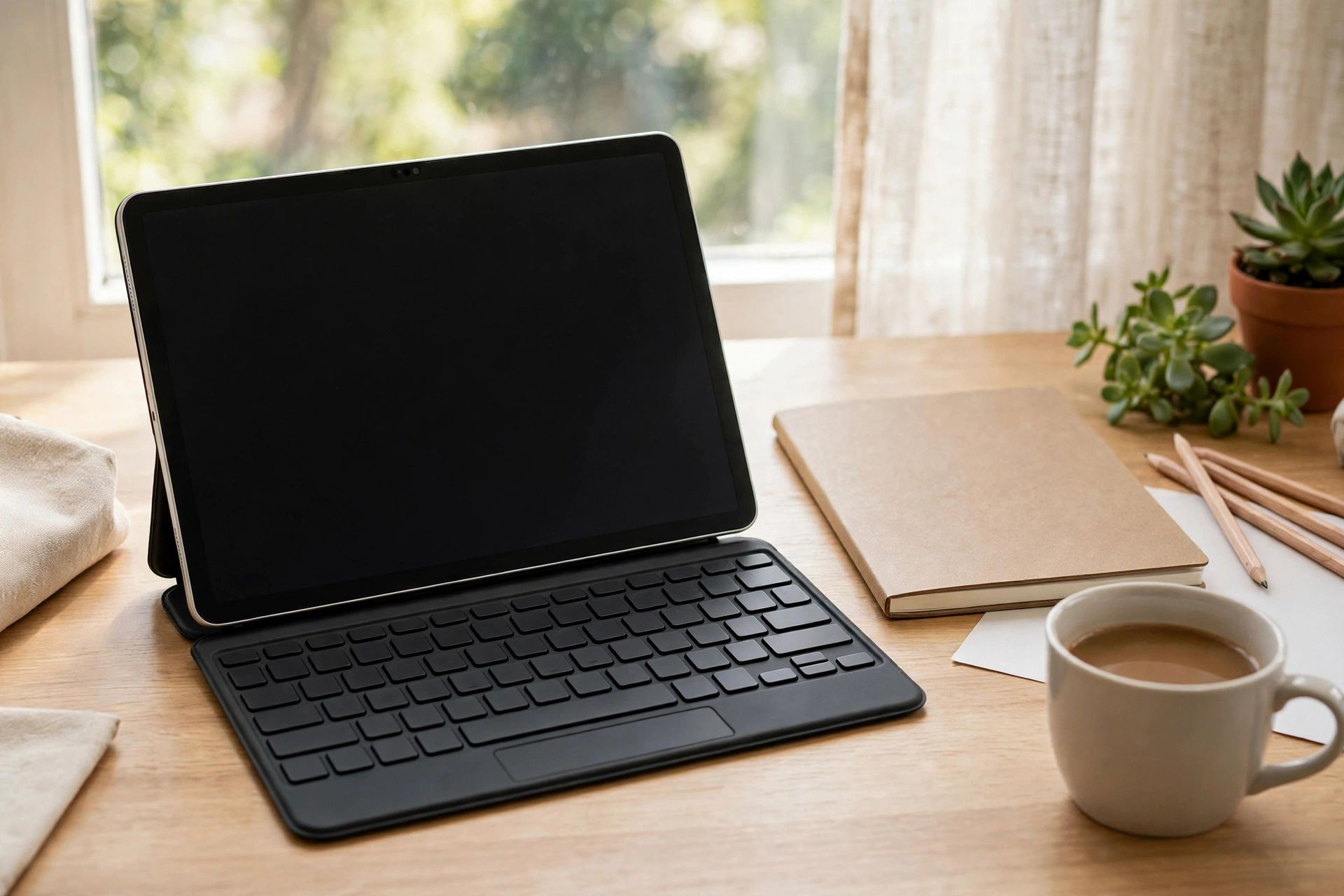
A keyboard case comes next, and it is worth spending a little more here. A cheap keyboard with cramped keys and a wobbly hinge will frustrate you through every essay, while a well-made one turns the tablet into a laptop you actually enjoy typing on. Look for a case that holds the tablet at a comfortable angle, protects the corners, and lets you remove the keyboard when you just want to read.
Two cheap extras make a bigger difference than people expect. A matte screen protector cuts glare and makes the stylus feel more like writing on paper, and a simple stand or a folding cover lets you prop the tablet up for lectures without holding it. Add a small USB-C hub if your tablet has one port — it gives you a place to plug in a memory stick, a mouse, or a charger at the same time. None of these cost much on their own, but together they turn a tablet from a nice gadget into a proper study tool. One last accessory worth having is a good bag or sleeve with a padded pocket: a tablet rattling around loose in a bag full of books and bottles is how screens get cracked, and a sleeve that costs less than a textbook can save you a repair bill worth ten times as much.
FAQ
Can a tablet replace a laptop for students?
For many courses, yes — especially with a keyboard and a stylus. Arts, humanities, and social science students often manage fine on a tablet alone. Courses that need desktop software, like engineering or data science, usually still need a laptop, and the Surface Pro 12 is the tablet that bridges the gap.
Which tablet is best for handwritten notes?
The iPad Air with an Apple Pencil has the best note-taking apps, led by GoodNotes and Notability. The Galaxy Tab S10 FE is the best value pick for handwriting because the S Pen is included and Samsung Notes is excellent. Either one will serve you well for a full degree.
How much storage does a student tablet need?
128GB is the sensible minimum. Lecture recordings, textbooks, and apps fill 64GB faster than most people expect. If the tablet has a microSD slot, you can expand cheaply later; iPads do not, so choose the storage size carefully at purchase.
Are student discounts available on tablets?
Yes. Apple, Samsung, Microsoft, and Lenovo all run education stores with discounts for students, and the savings are often 5–10 percent. You usually need a student email address or proof of enrolment. Check the education store before you buy anywhere else.
Is the Amazon Fire HD 10 good enough for study?
For reading and watching lectures, yes. For handwritten notes and the full range of study apps, no — it lacks a stylus and the Google Play Store. Treat it as a cheap reading and media device, not as your only study machine.
Conclusion
The best tablets for students in 2026 come down to how you study. The iPad Air (M3) is the best all-rounder, the Galaxy Tab S10 FE is the best value for handwritten notes with its included S Pen, and the Surface Pro 12 is the only choice if your course needs Windows software. On a tight budget, the iPad (11th generation) or the Galaxy Tab A9+ will cover the essentials, and the Fire HD 10 works as a cheap reading device. Add up the full cost including pen and keyboard before you decide, check the education discounts, and pick the tablet that fits your course — not the one with the flashiest advert. A tablet you carry every day and use for every lecture is worth far more than a powerful one that stays in your room, so choose for your real routine and it will serve you for the whole degree. For AI help with essays and revision, see Best AI Tools for Students (Study Smarter, Not Harder in 2026). Borrow a stylus and try writing a full page of notes before you buy, because handwriting feel varies more between tablets than any spec sheet admits. Check how your college handles files too — some courses want PDFs, others want Word docs, and the wrong tablet can turn a simple hand-in into a chore. And buy a decent case on day one, because a tablet that survives four years of lectures is worth far more than a shiny one with a cracked corner.
Sources: Tablet computer — Wikipedia, iPad Air — Apple official page